

Begin met een website of webshop.
Vraag aan
Zonder account, je zit nergens aan vast. Al een website? Probeer het werkpaneel gratis
Ondernemers die je voorgingen
Oplossingen
Digitale oplossingen voor je bedrijf. Website, webshop, paneel. Kies wat bij je past.
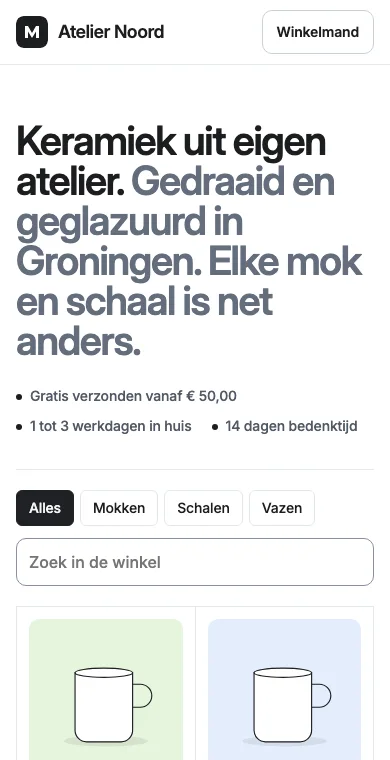
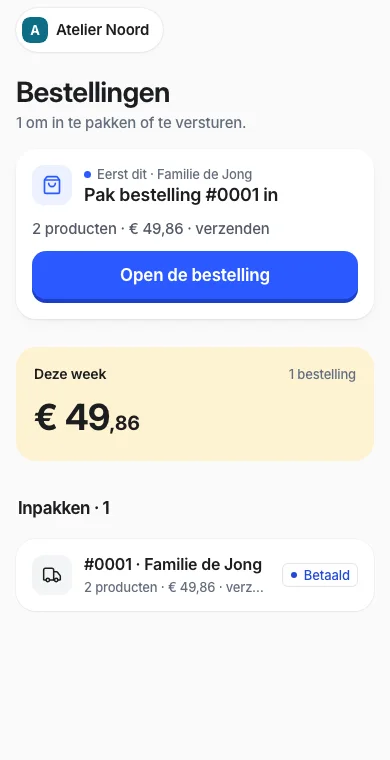
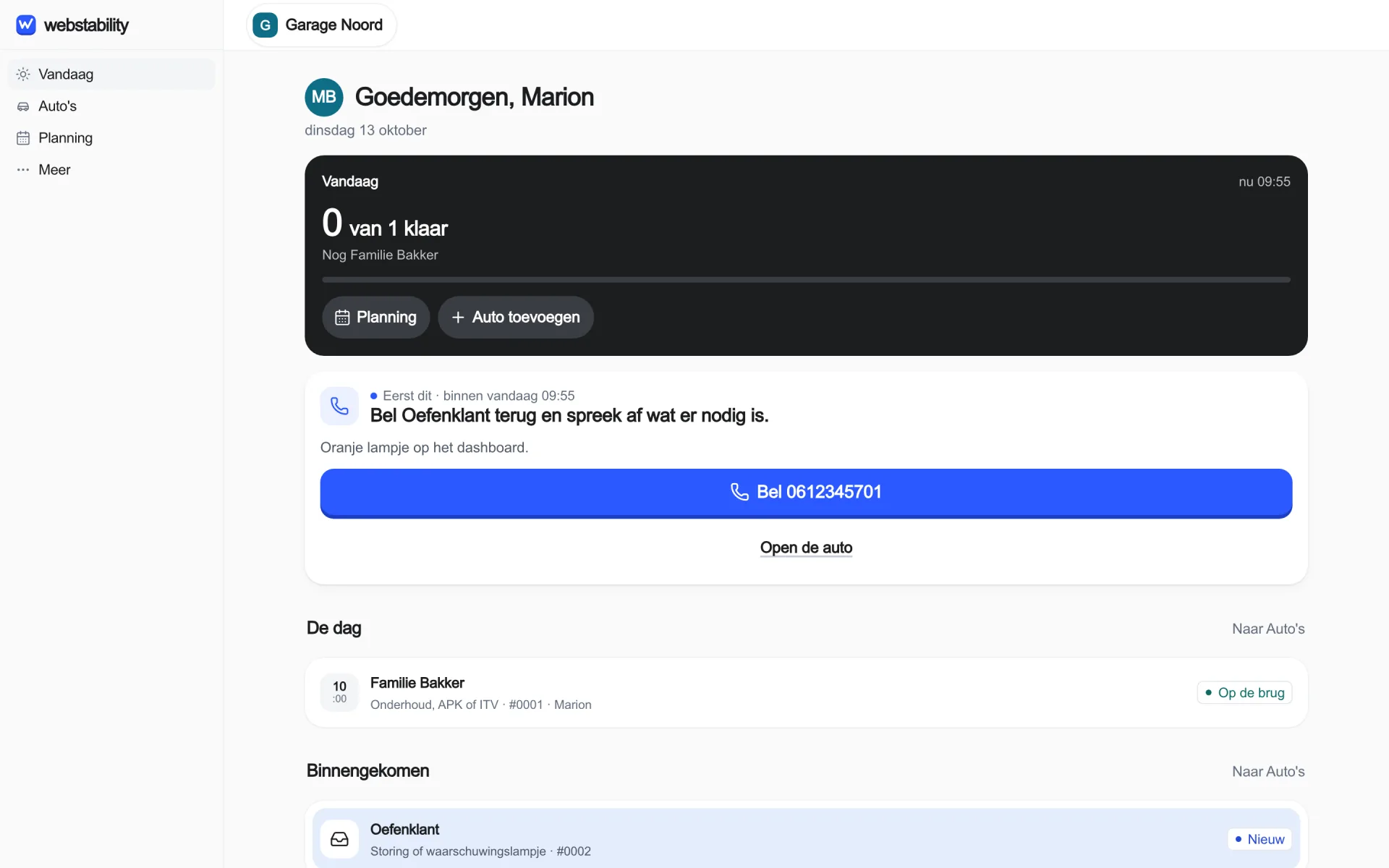
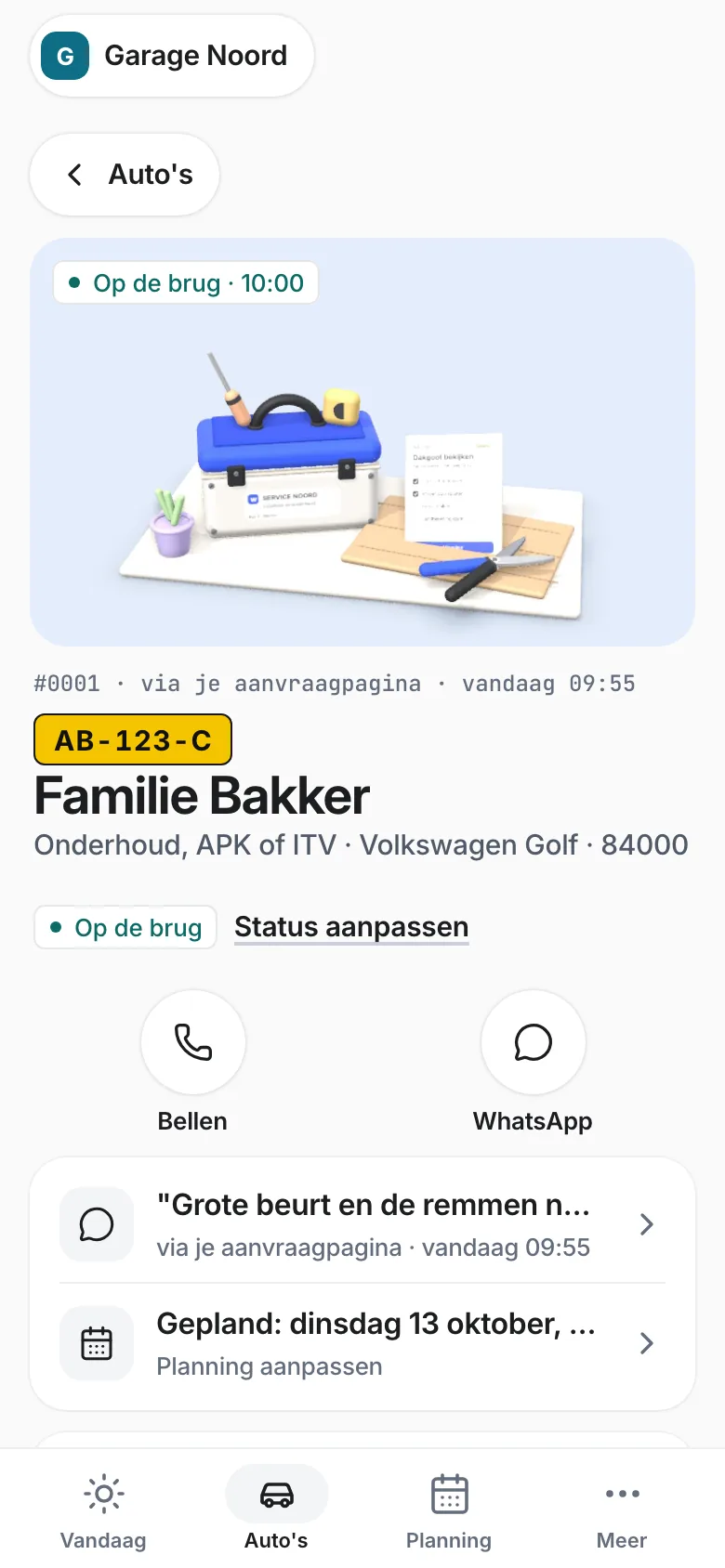
Reviews
Goed werk verdient het om gezien te worden.
Je hebt goed werk geleverd. Maar een review schrijven schiet er bij je klant makkelijk bij in. Maak die volgende stap klein. Reviews kunnen ook helpen om lokaal beter zichtbaar te worden op Google.
Met Reviews vragen in je paneel krijgt je klant de dag na een afgeronde klus één mail met een link. Daar kiest hij zelf, en beide keuzes zijn even groot: een review op Google of een andere site die je koppelt, of een bericht dat alleen jij leest.
Zo werkt het
Je website brengt werk binnen.Je regelt het in je app.
Website
€49/mnd
Brengt werk binnen. Elke aanvraag komt als kaart in je app.
30 dagen gratis
of Webshop
€69/mnd
Verkopen, met bestellingen en voorraad in je app.
+ paneel voor jouw vak
€40/mnd
Doe je meer dan aanvragen? Service, stalling, verhuur, camping of vastgoed.
Bekijk de panelen
Excl. btw. Maandelijks opzegbaar. Bekijk de prijzen
Je werkdag in Webstability
Elke aanvraag komt in je app. Met de klant erbij.
Schematische productanimatie: een onderhoudsvraag via een website wordt gepland en afgerond in de bedrijfsapp. Hetzelfde werkitem blijft in beeld, van klantvraag tot klantgeschiedenis. Geen live klantgegevens.
Website + app
Je website vooraan. Je app erachter.
Je klant stuurt een vraag. Jij regelt het werk in de app. Gebruik je bestaande website of laat ons een nieuwe maken. Elke aanvraag komt als kaart binnen, met het klantdossier erbij. Plannen en een verslag zet je erbij met een bedrijfspaneel.
Zo begin je. Eén stap tegelijk.
Stel je bedrijf in
Bevestig je e-mailadres en kies je werkgebied.
Doe je eerste taak
De app laat zien wat de volgende stap is.
Laat je website meedoen
Deel je aanvraaglink of zet een knop op je eigen website.
Werk komt binnen
Vragen en foto’s van je website komen als kaart in je app. Ook via een link of QR-code. Een telefoontje voeg je zelf toe.
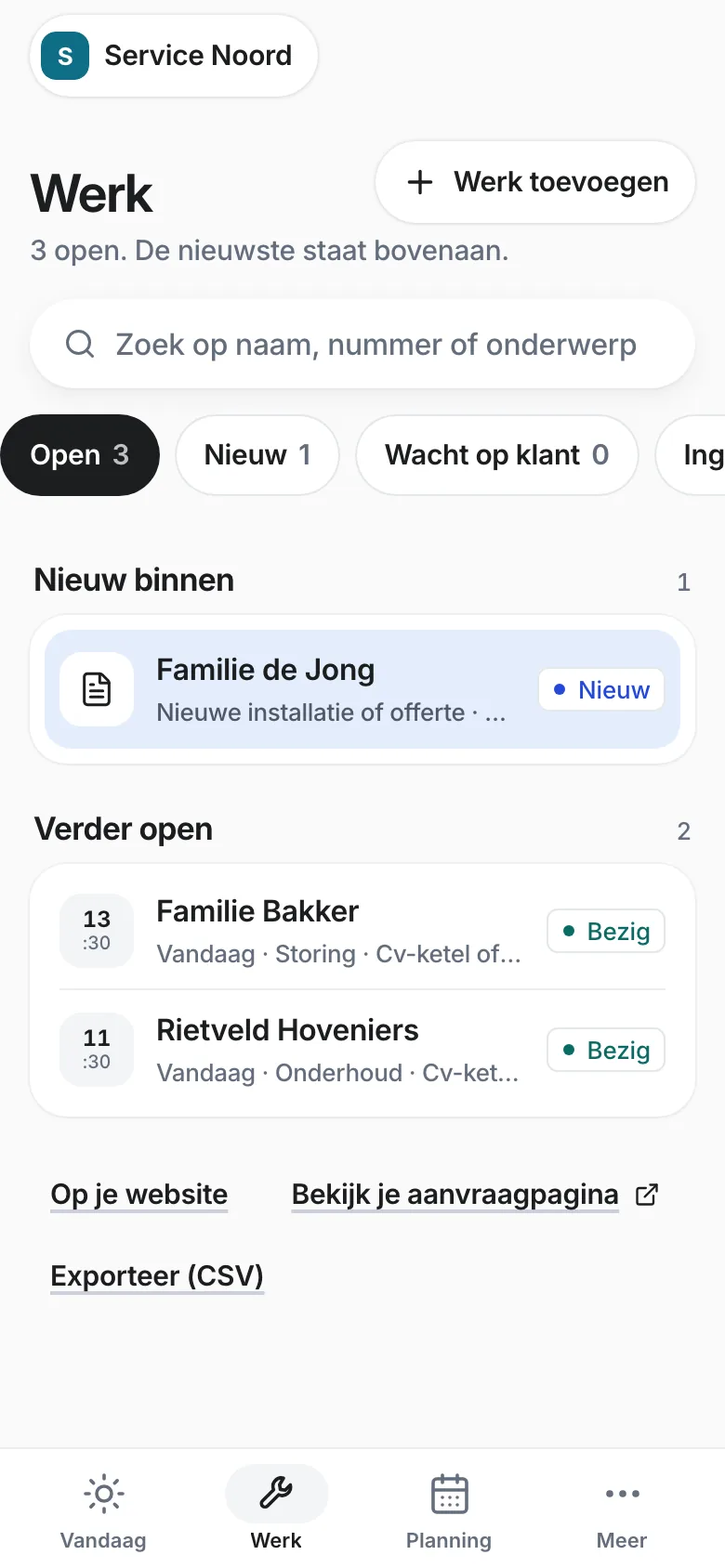
Plan wie wat doet
Met het paneel Service en onderhoud kies je de dag, het tijdvak en je collega. Iedereen ziet wat er op de planning staat.
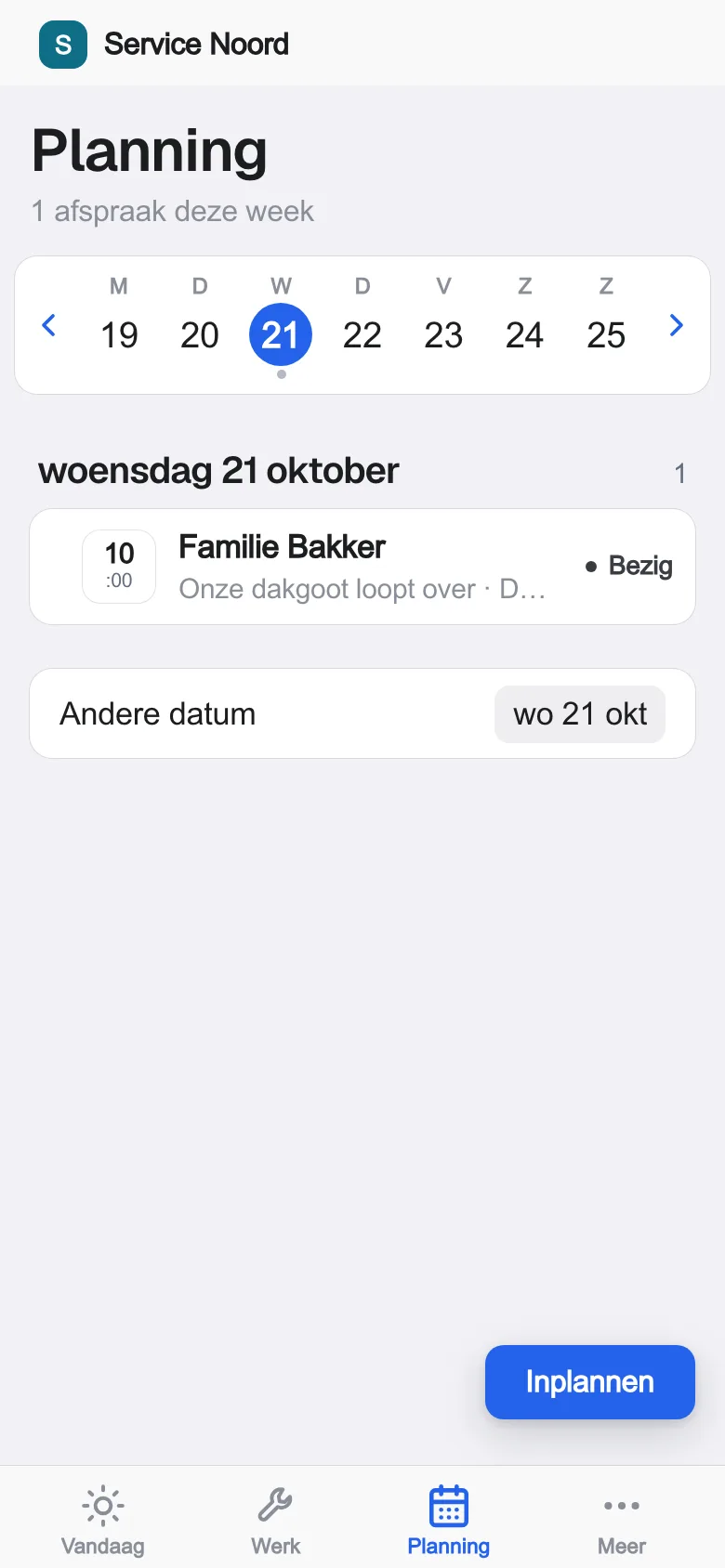
Alles bij de klant
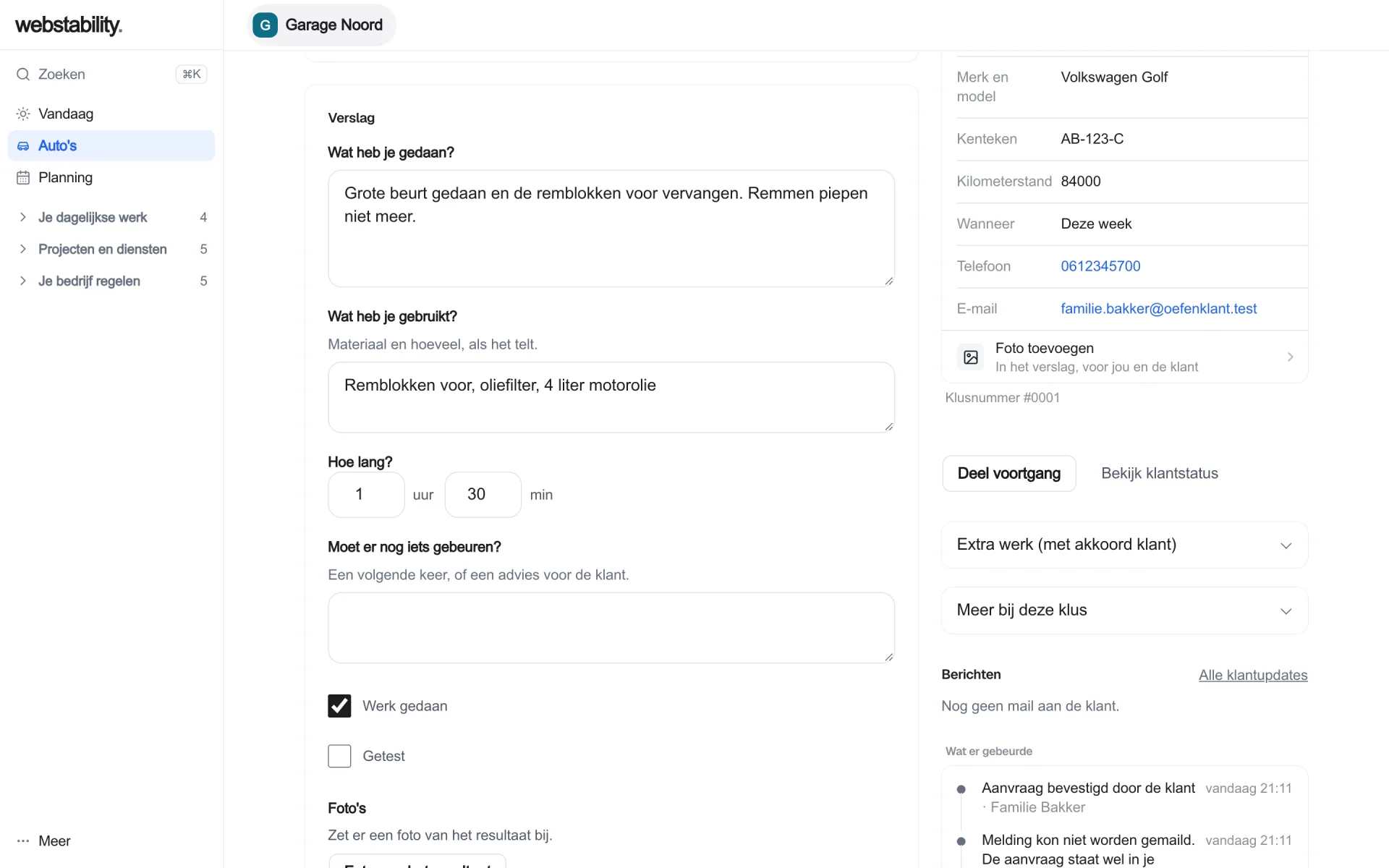
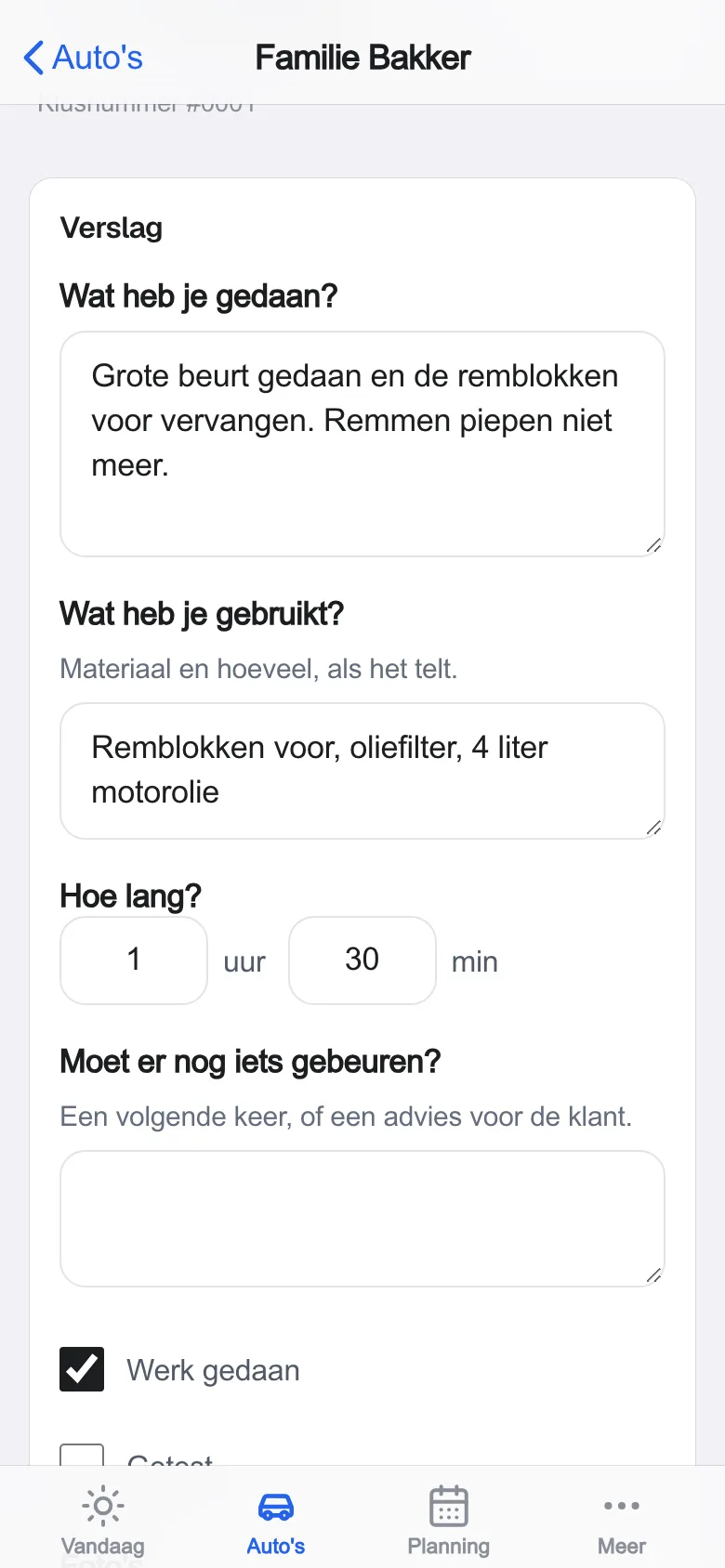
Elke aanvraag en elk antwoord blijft in het klantdossier. Met het paneel Service rond je af met een verslag met foto’s.
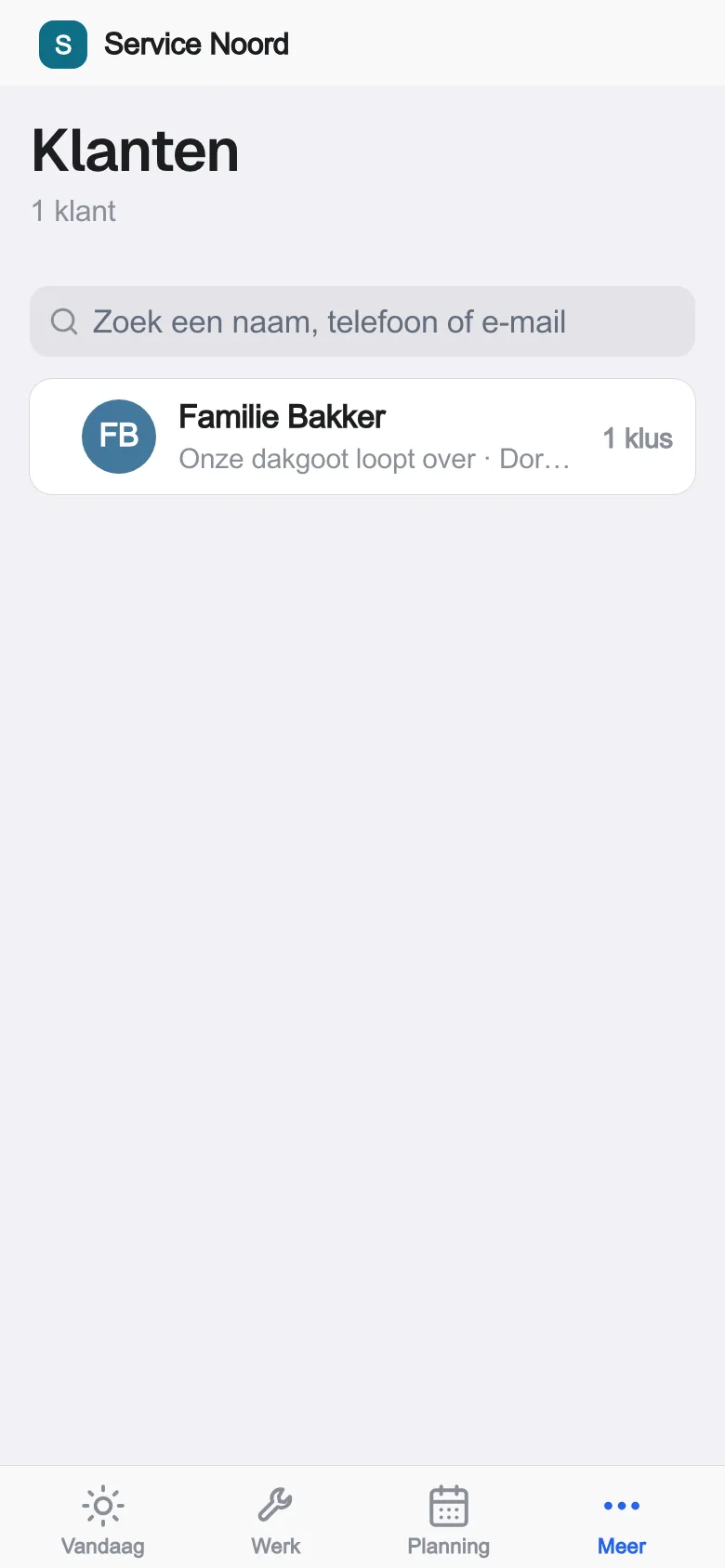
Voor jouw vak
Jouw vak. Jouw overzicht.
Van service en onderhoud tot stalling en verhuur.
Bekijk wat bij jouw vak past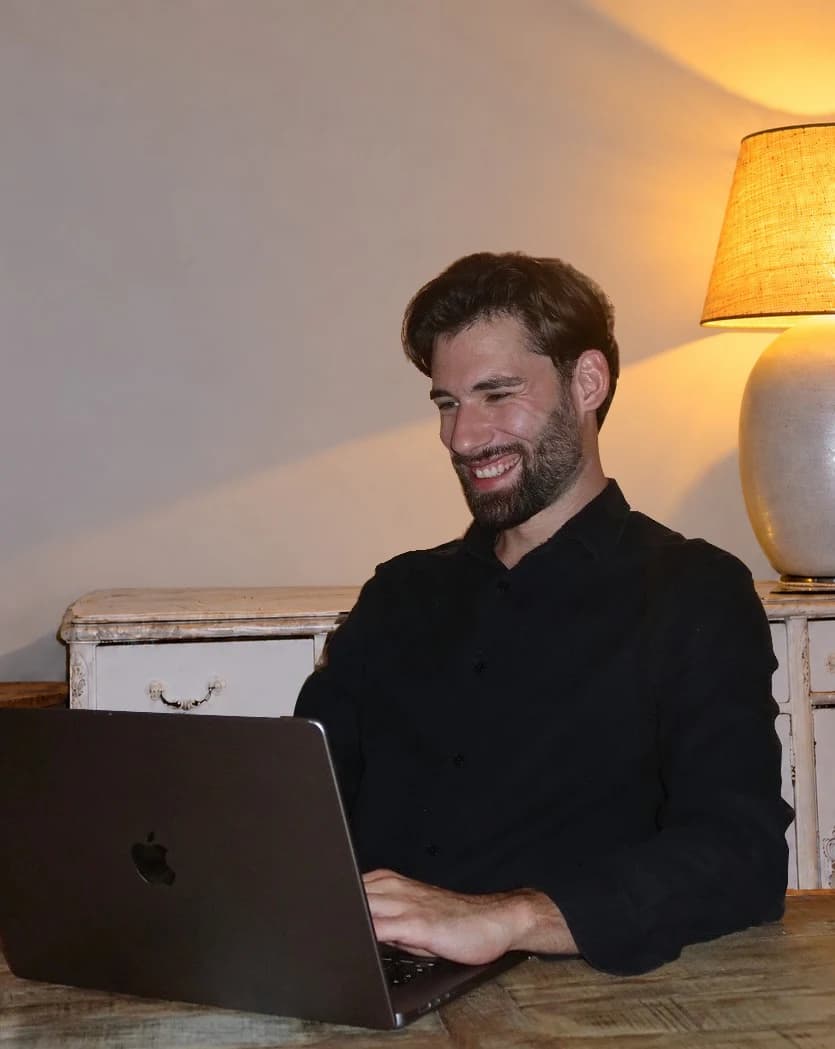
Wie het bouwt
Gebouwd door mensen. Altijd iemand dichtbij.
Laurens bouwt je website en blijft je aanspreekpunt. Je belt, appt of stuurt een bericht, en je krijgt antwoord van hem.
Kleine dingen. Groot verschil.
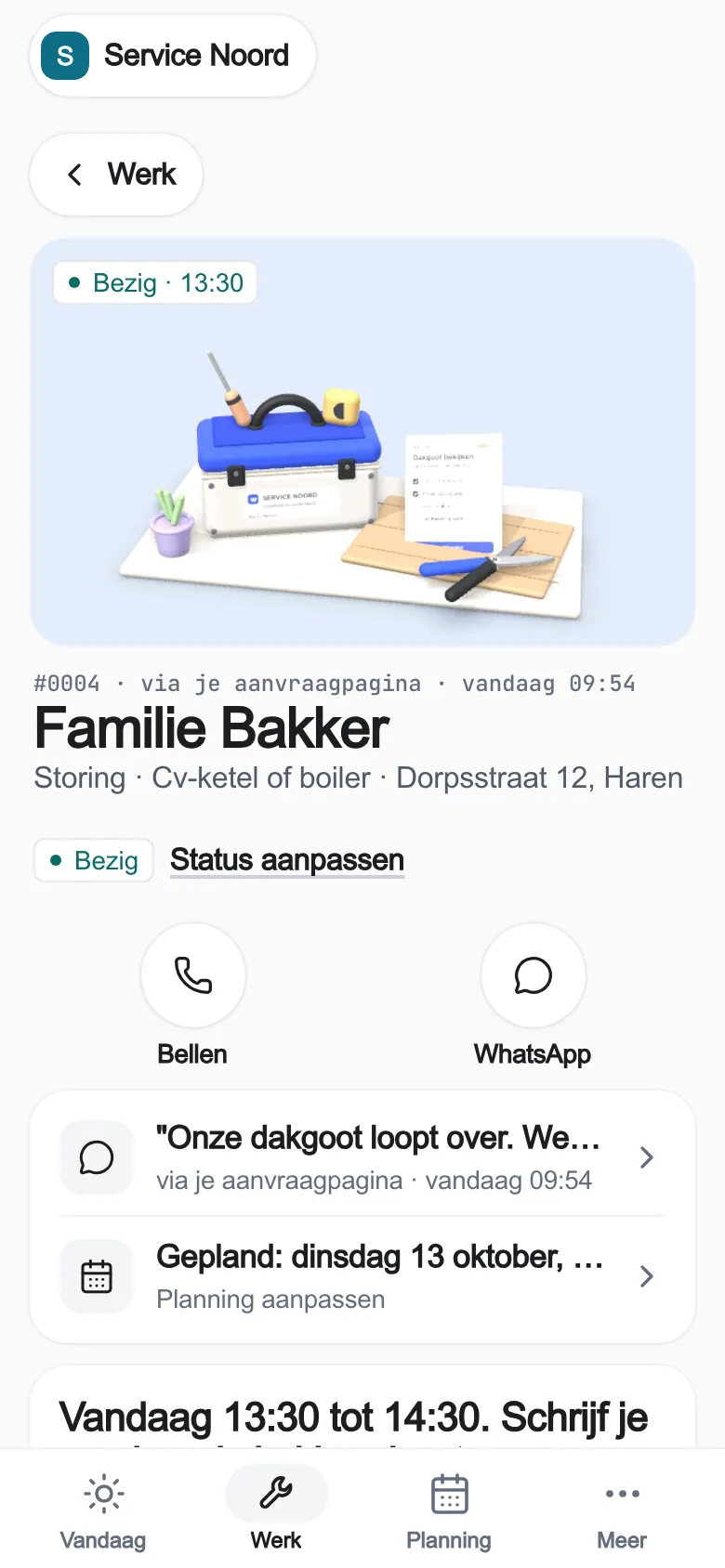
Foto’s bij de klus
Foto’s van je klant komen mee met de aanvraag.
Planning per collega
Met het paneel Service kies je collega, dag en tijdvak.
De vorige klus erbij
Eerdere aanvragen en antwoorden staan in het klantdossier.
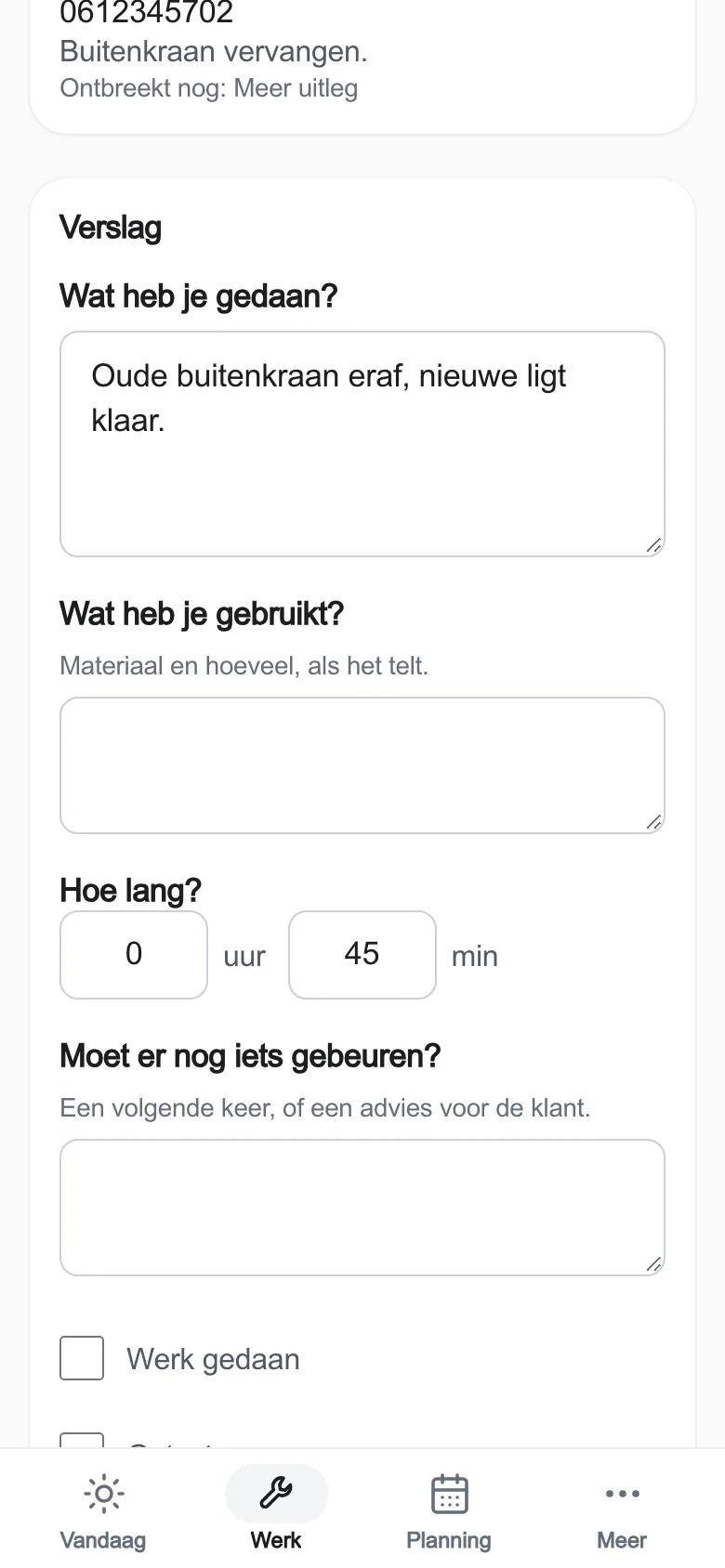
Verslag op locatie
Met het paneel Service leg je werk, materiaal en tijd vast.
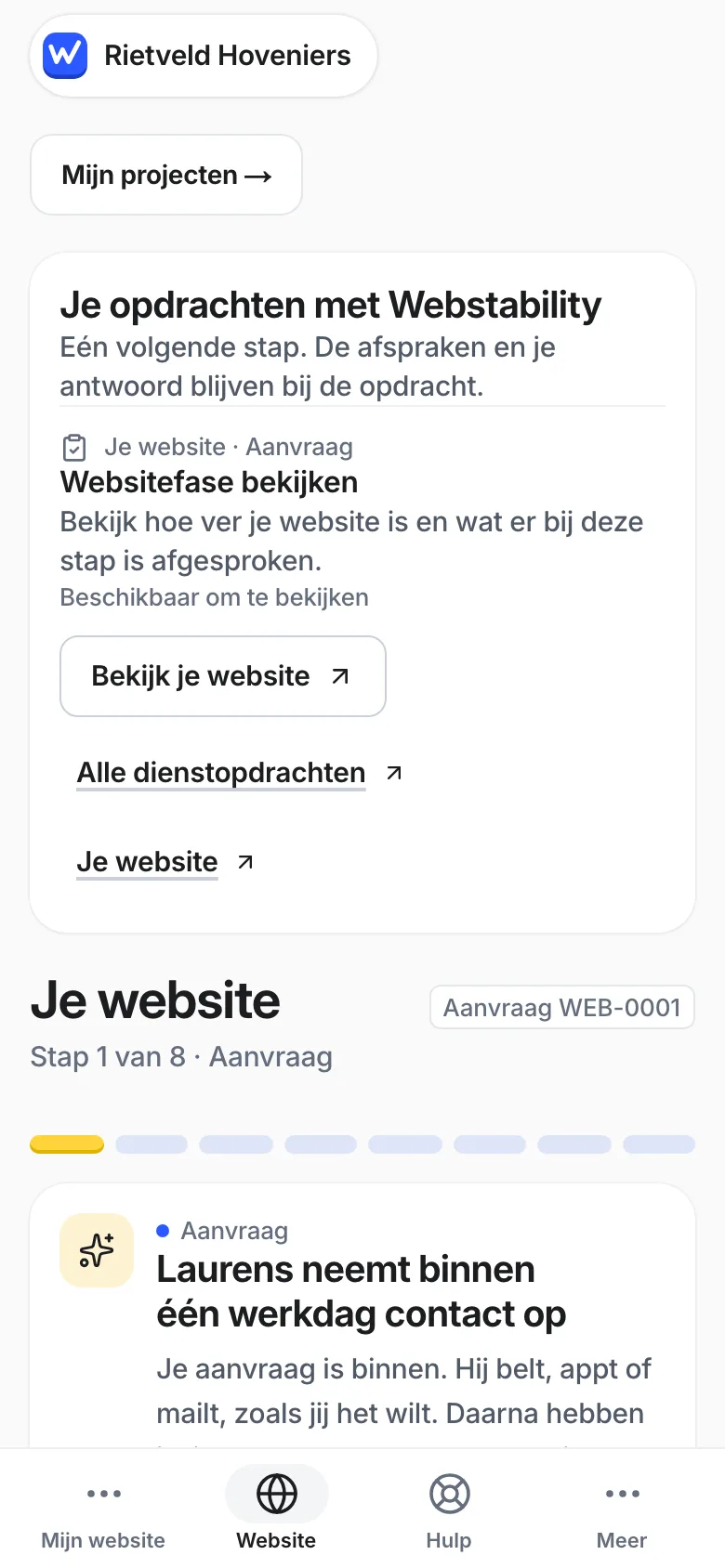
Je website doet mee
Een knop of formulier op je site, of je aanvraaglink.
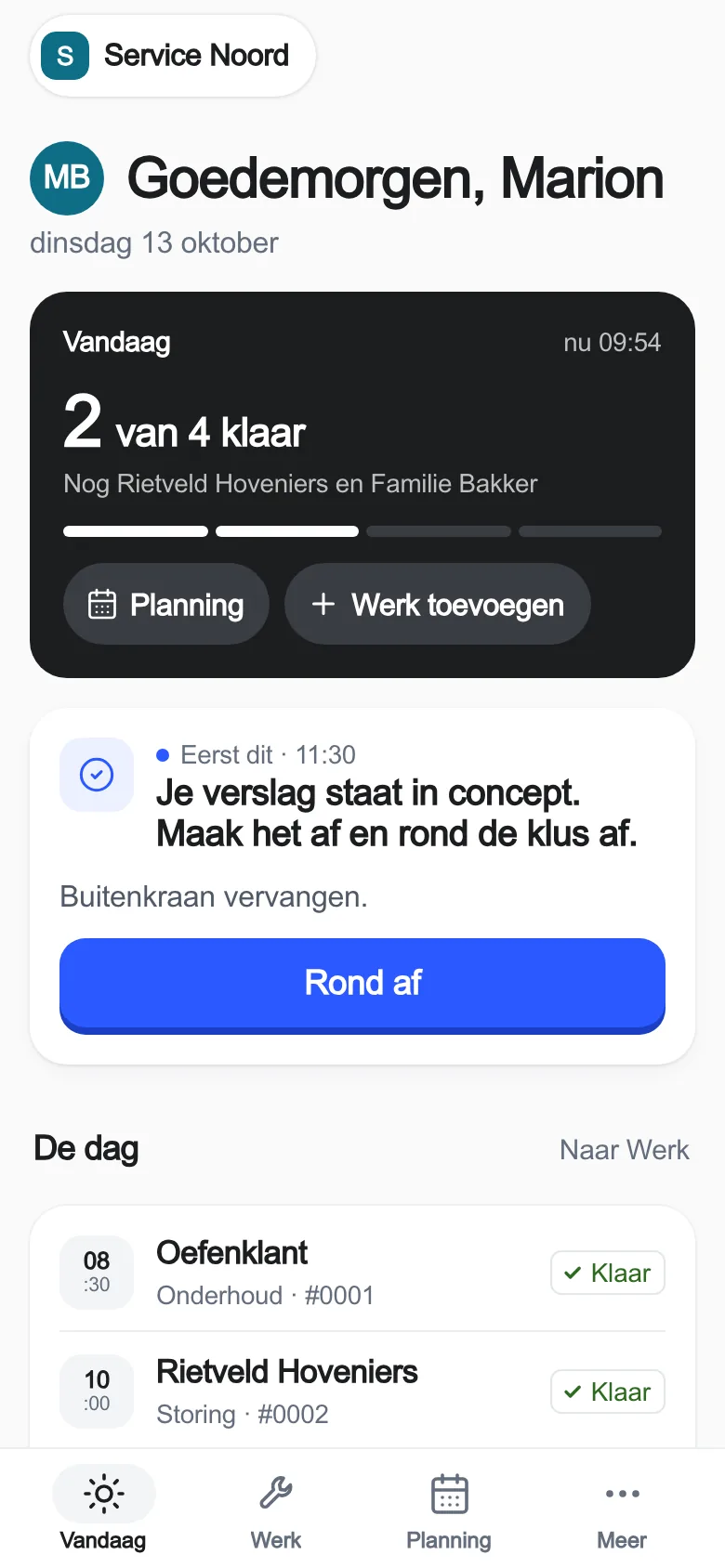
Ook op je telefoon
Dezelfde app op kantoor en onderweg.
Bedrijfsoptimalisatie
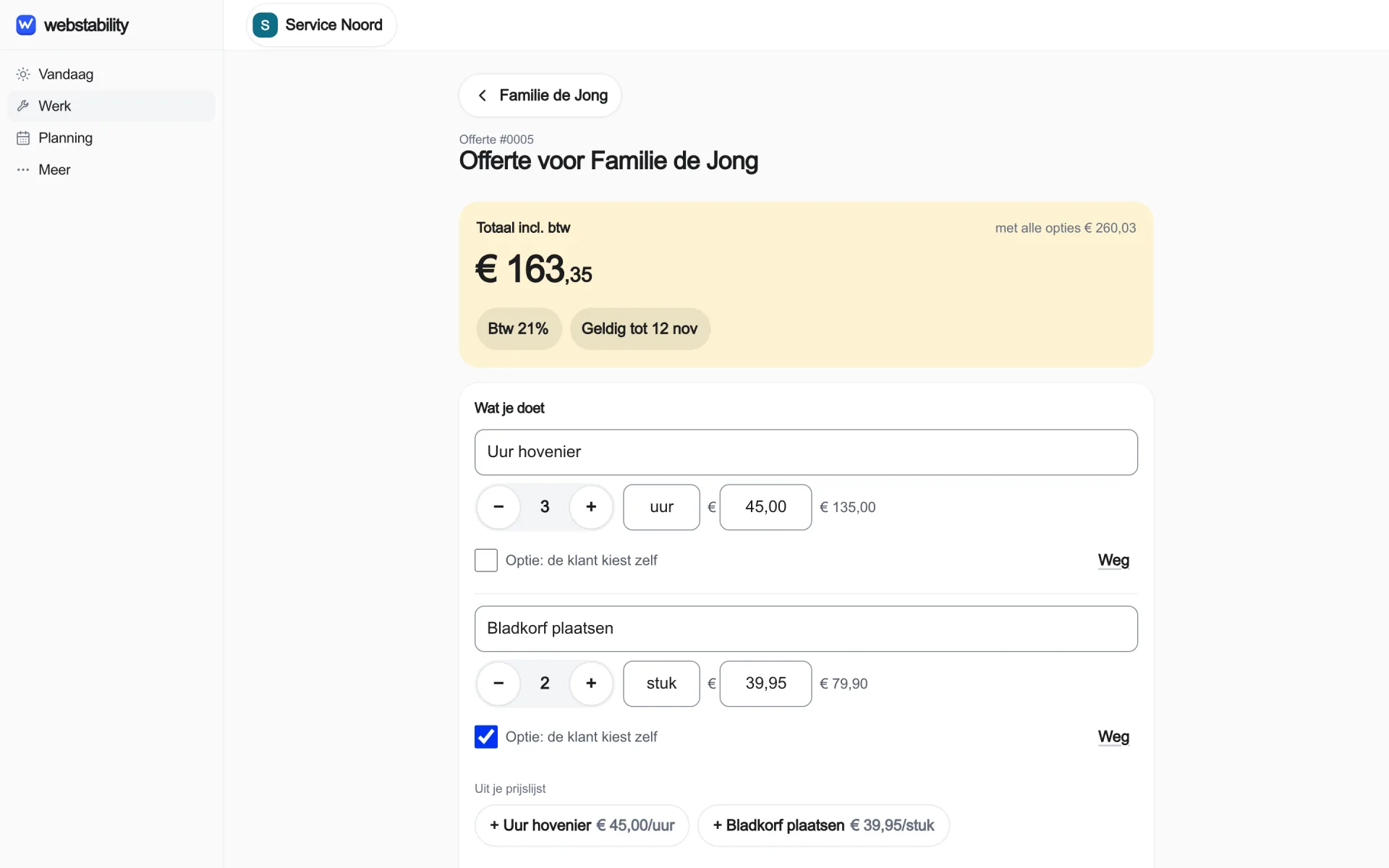
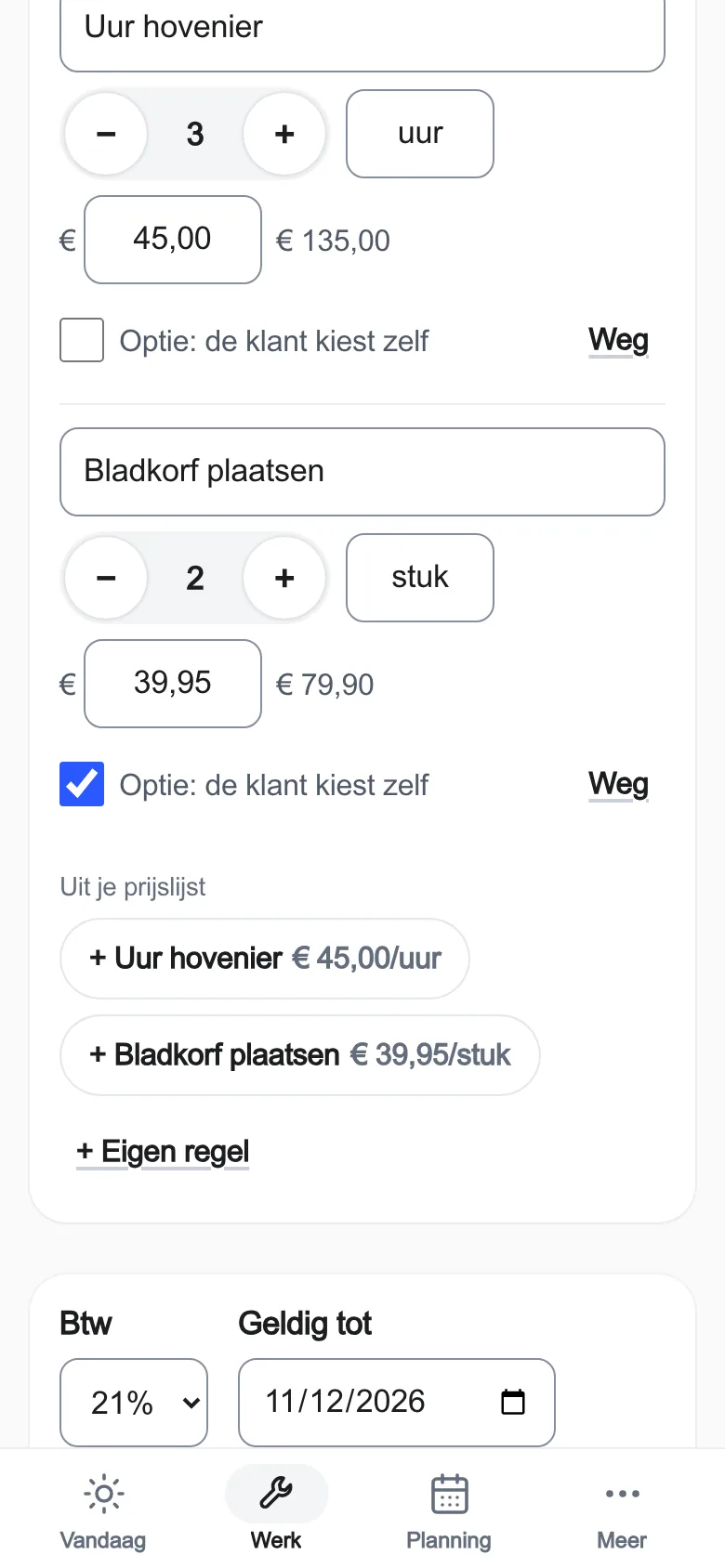
Een offerte gaat de deur uit. Niemand belt na.
Zulke stappen tussen aanvraag, planning en factuur kosten ongemerkt tijd. We kijken met je mee hoe het werk nu loopt, verbeteren één proces als pilot en meten vooraf en achteraf wat er veranderde.
- Eén proces tegelijk
- Meting vooraf en achteraf
- Website of account niet nodig
We beloven vooraf geen besparing of omzet.
Ruimte om te groeien
Klein beginnen. Verder bouwen.
Je website en het werk erachter horen bij elkaar. Begin met de aanvragen-inbox. Regel je meer, zet er dan een bedrijfspaneel bij. Eigen processen? Dan maken we een paneel op maat, eerst met een voorstel.
Je website werkt mee
Volg de bouw van je website in je account. Na oplevering komt elke aanvraag als kaart in je app.
Een planning voor je team
Met het paneel Service en onderhoud koppel je een collega en tijdvak aan het werk. Je ziet bij de afspraak welke klus erbij hoort.
Het verhaal van je klant
Klantgegevens, eerdere aanvragen en offertes blijven bij elkaar. Je begint het volgende gesprek met de juiste informatie.
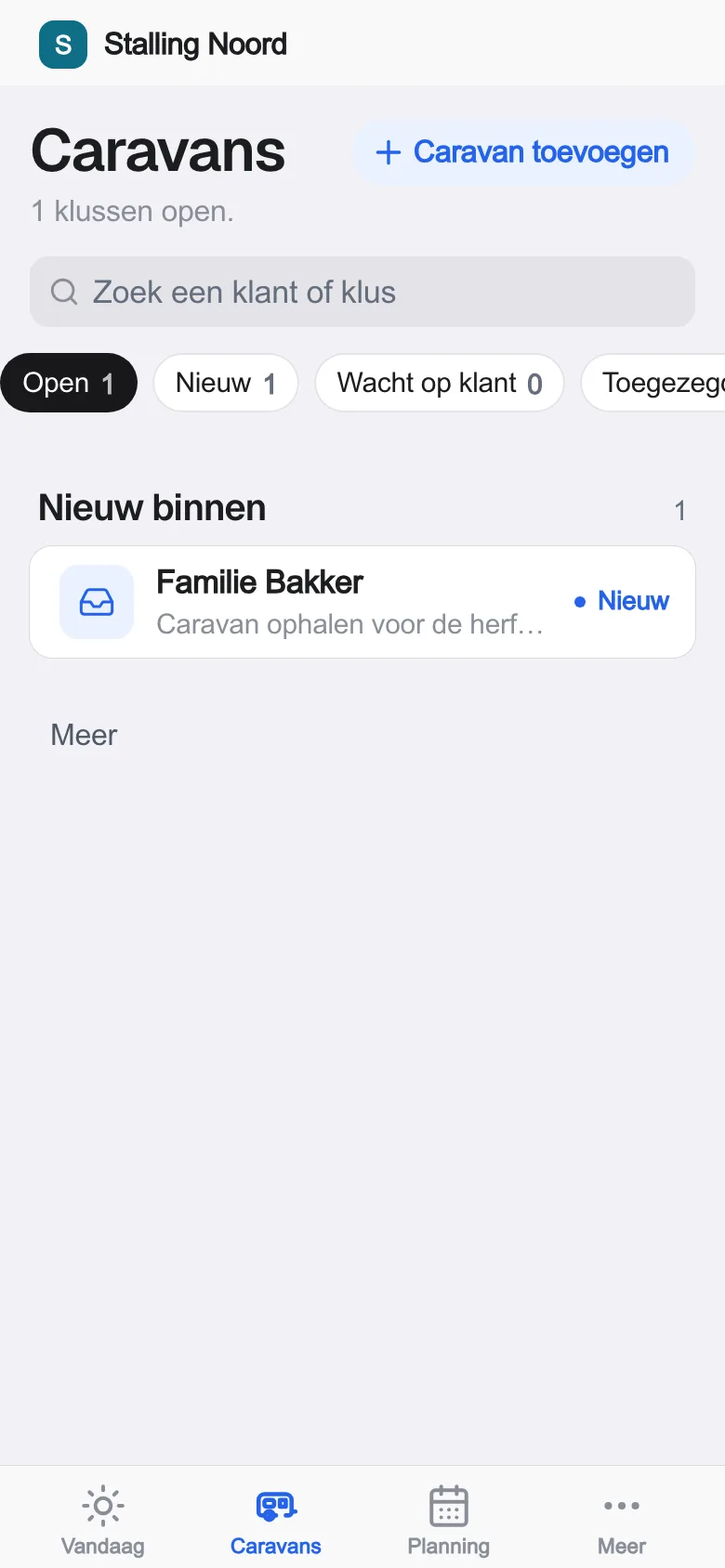
Een paneel voor jouw vak
Service, stalling, verhuur, camping of vastgoed: zet het bedrijfspaneel van je vak erbij, kant-en-klaar. Eigen processen of koppelingen? Dan een paneel op maat.
In de praktijk
Geen bedrijf is hetzelfde.
Hoveniers, stalling, coaching en meer. Bekijk de websites en systemen die we voor ondernemers maakten.
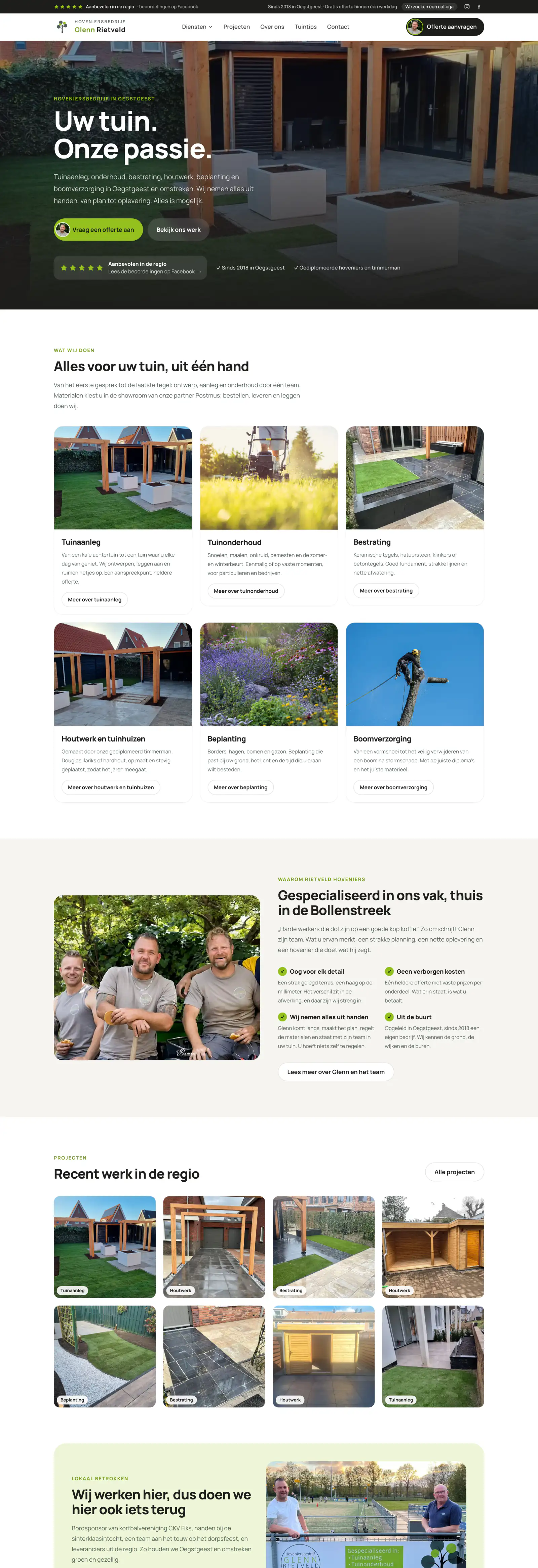
- Aanvraag
- Werkbon
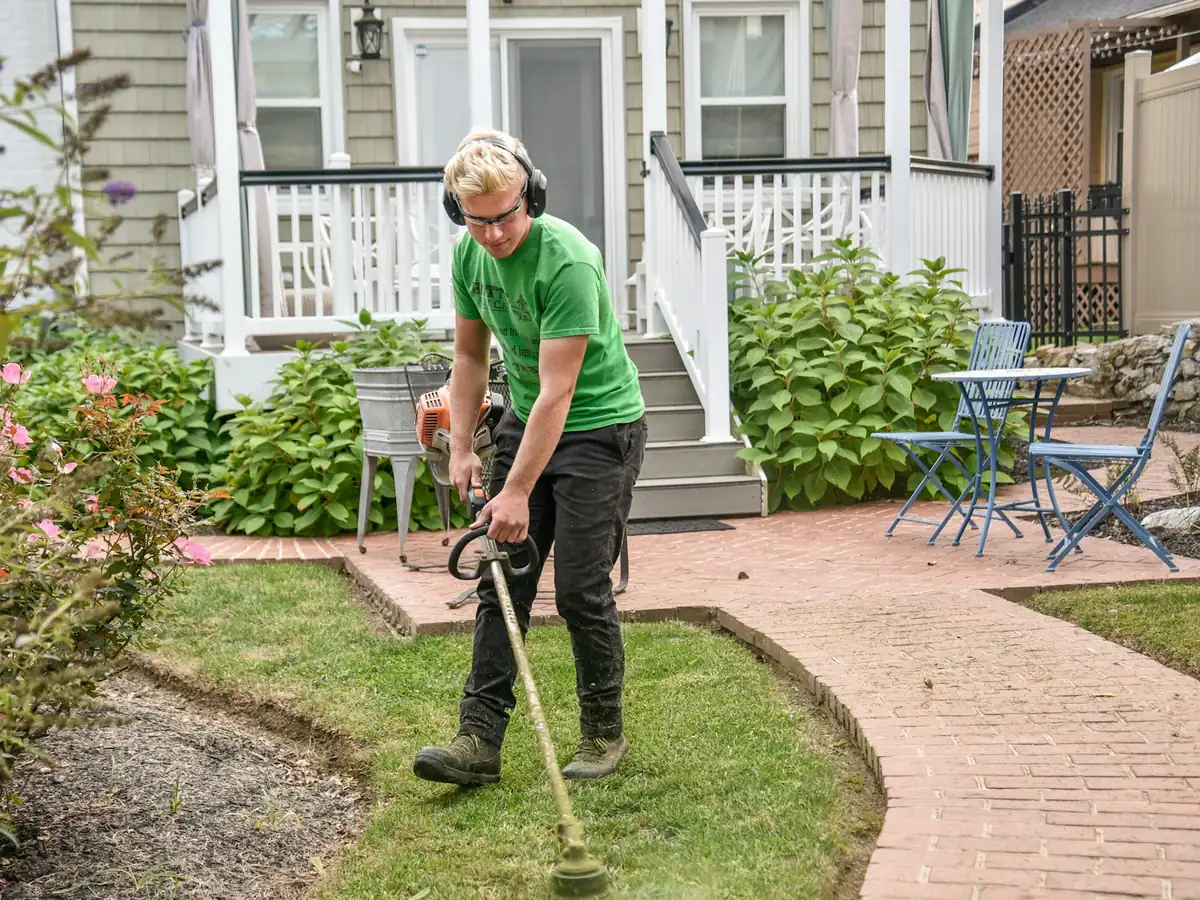
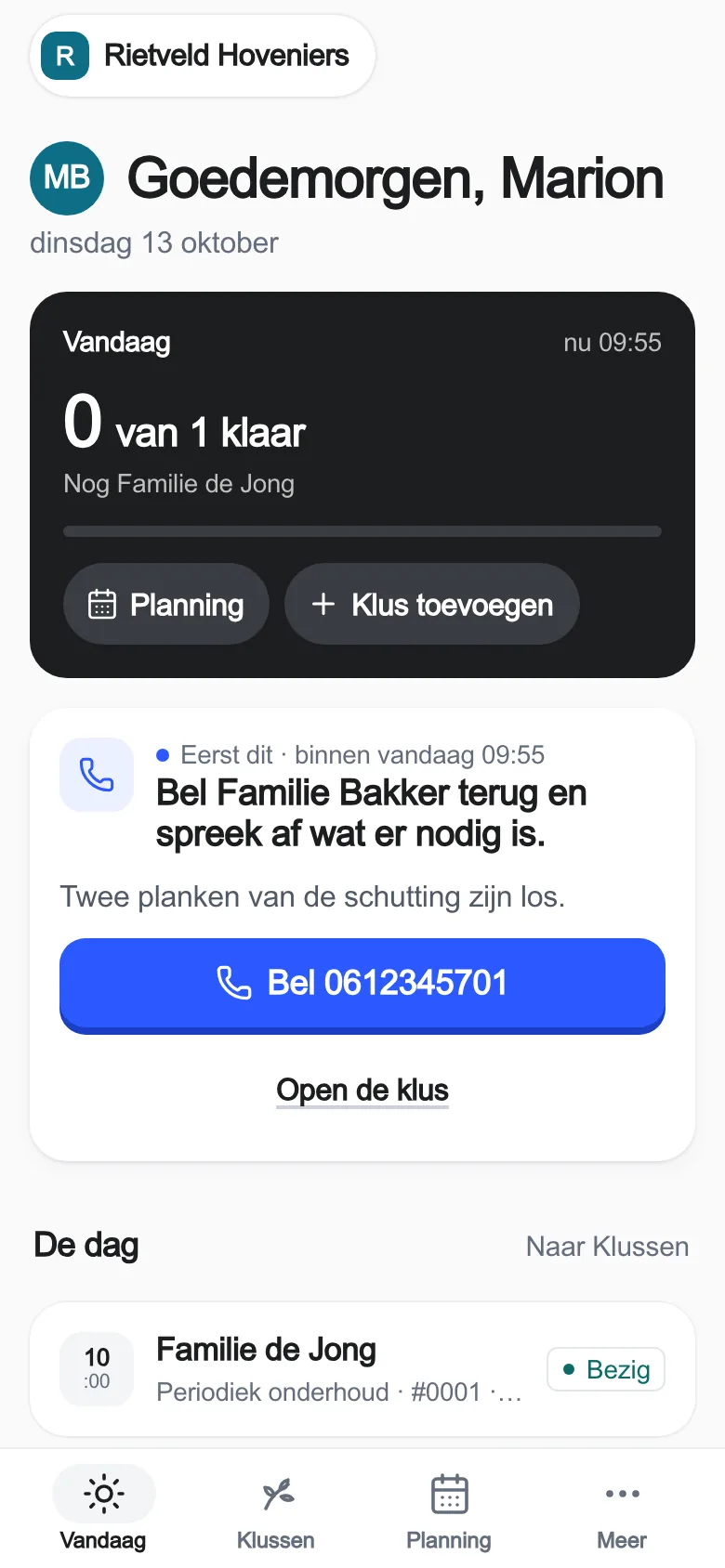
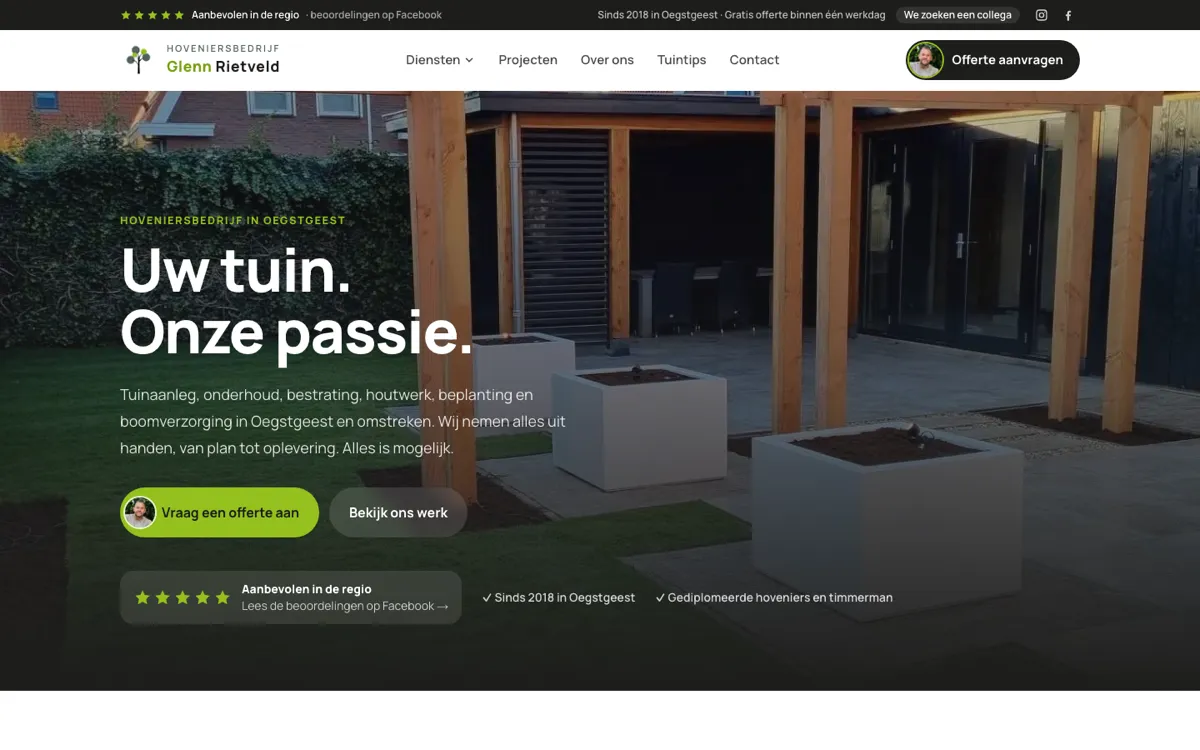
 Rietveld HoveniersHovenier · OegstgeestWebsite · Aanvragen in het werkpaneel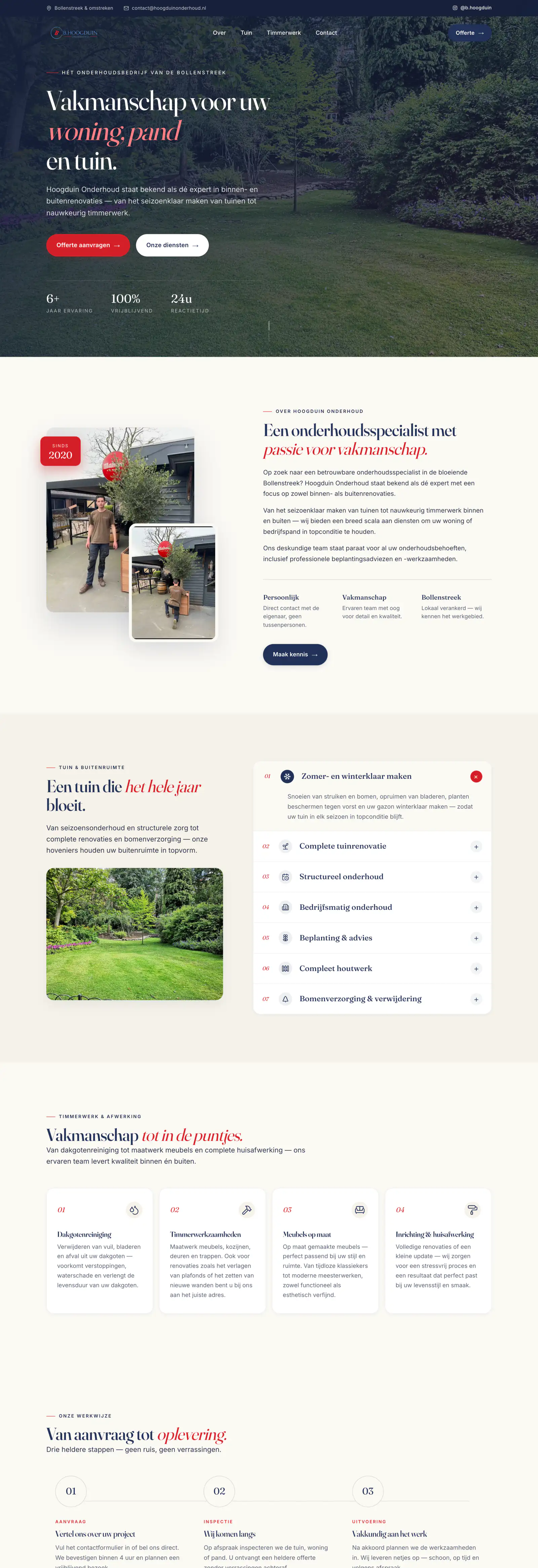
- Aanvraag
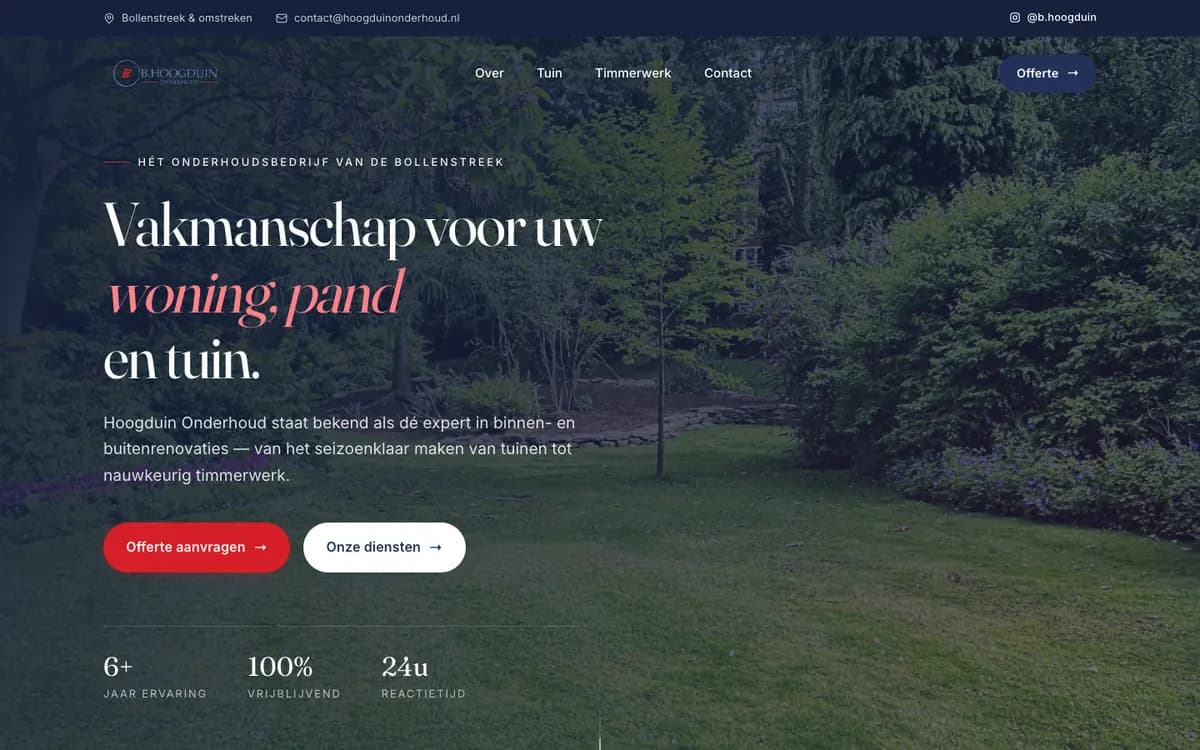
 Hoogduin OnderhoudOnderhoud · BollenstreekWebsite · Formulier per mail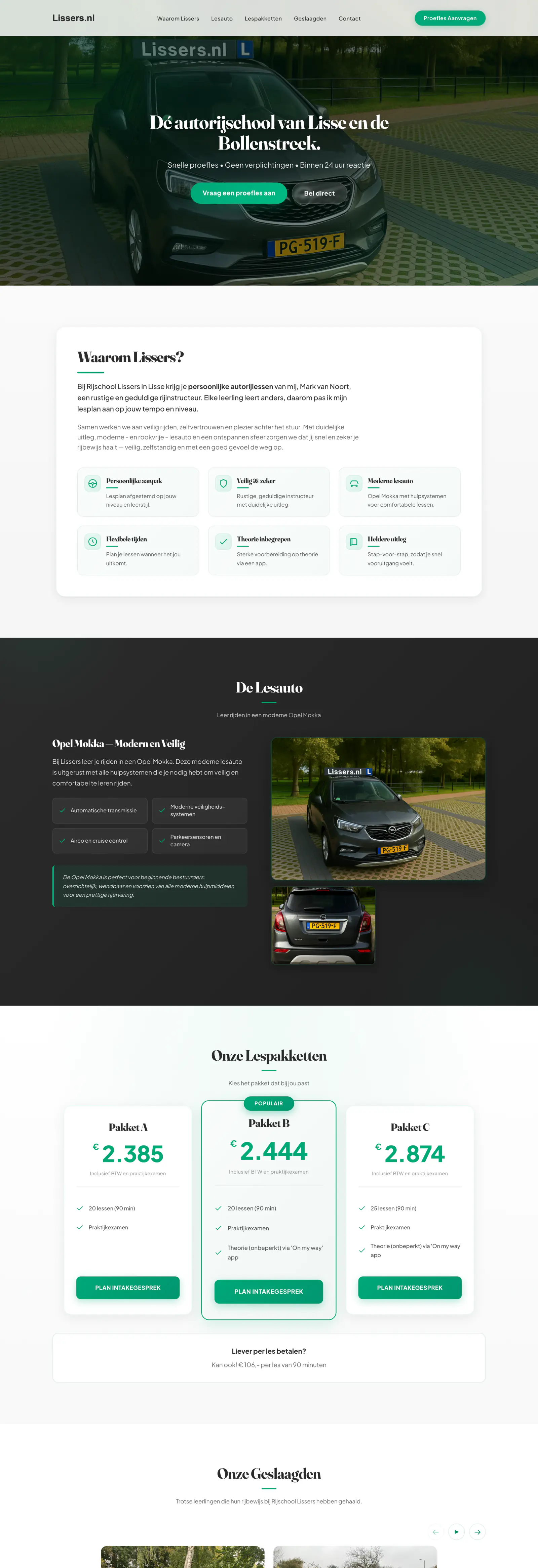
- Aanvraag
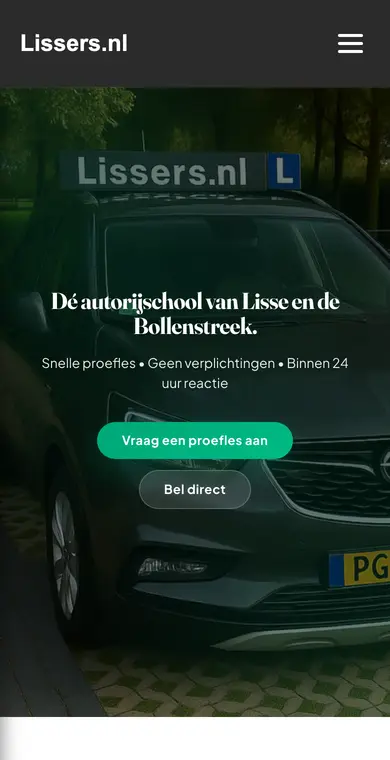
 Rijschool LissersRijschool · LisseWebsite · Formulier per mail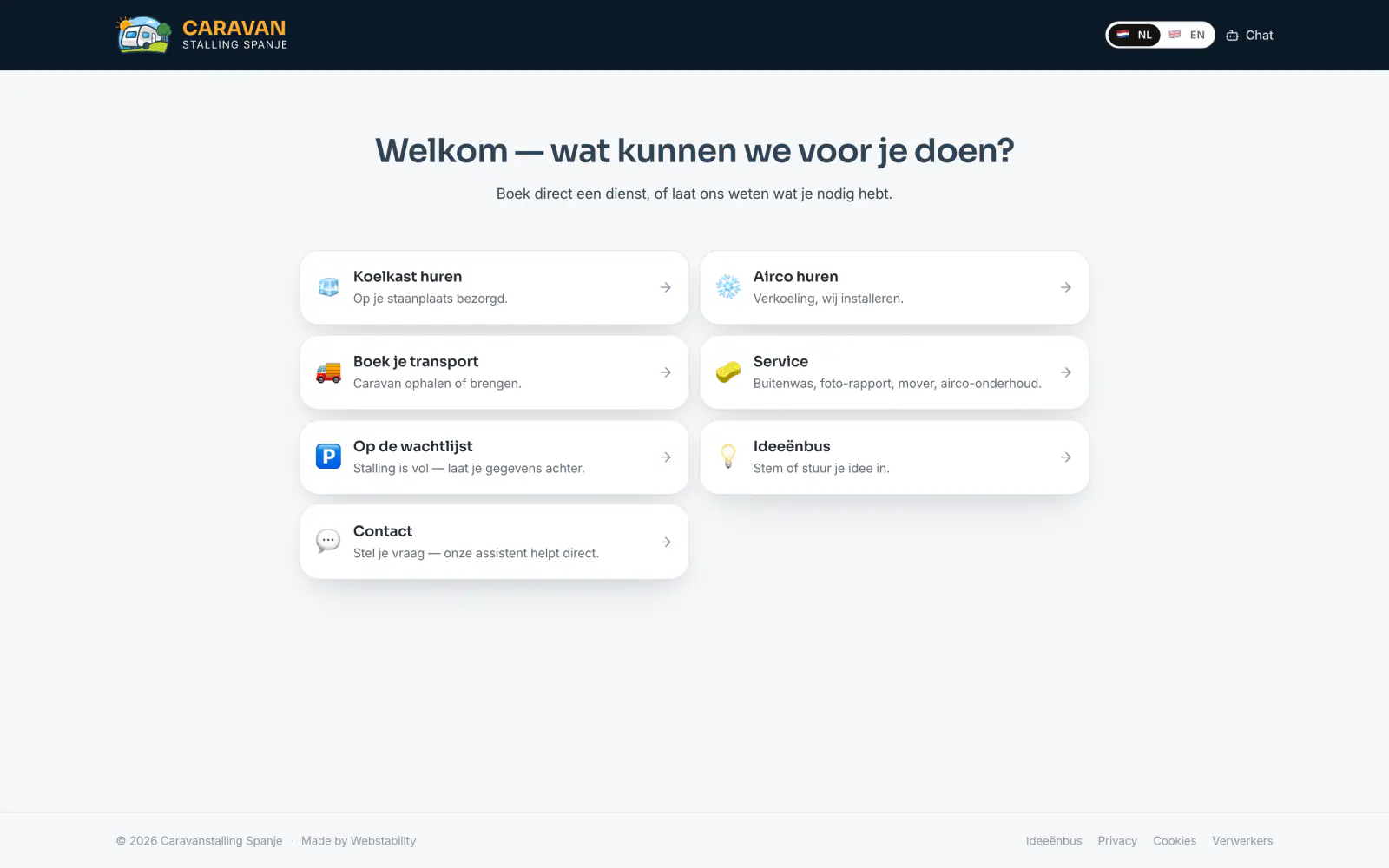
- Aanvraag
- Betaling
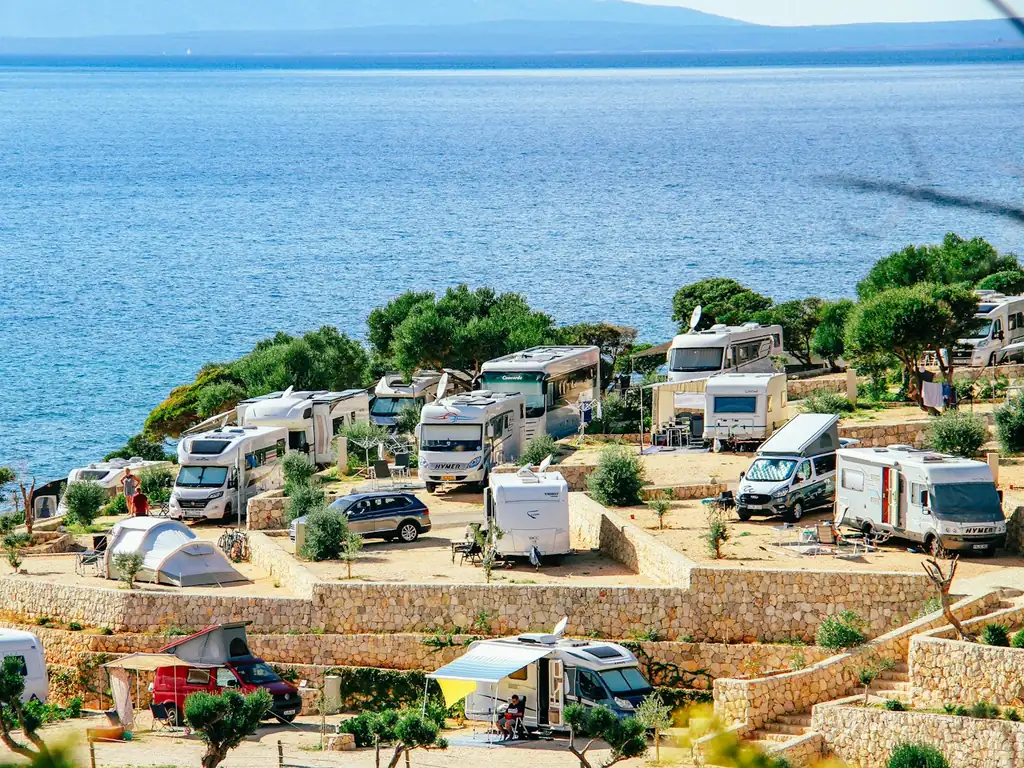
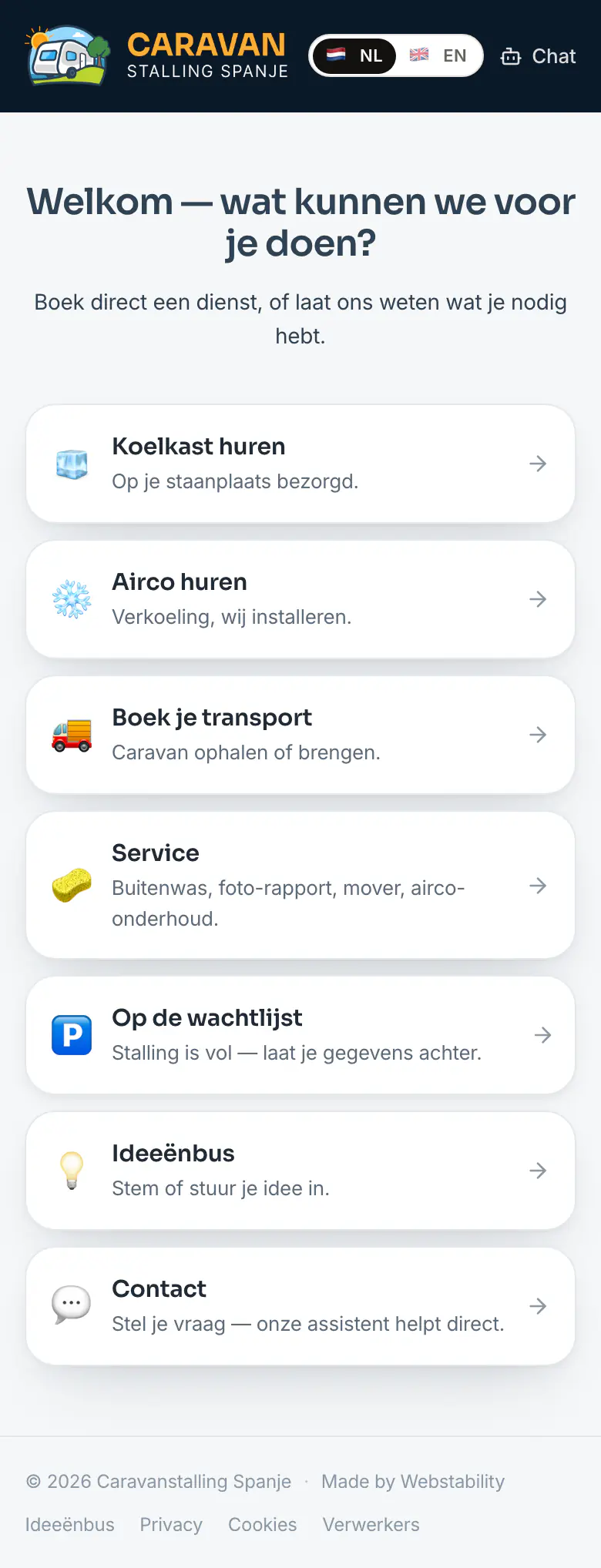
 Caravanstalling SpanjeCaravanstalling · CataloniëMeertalige website · Online bestellen en betalen · Beheeromgeving op maat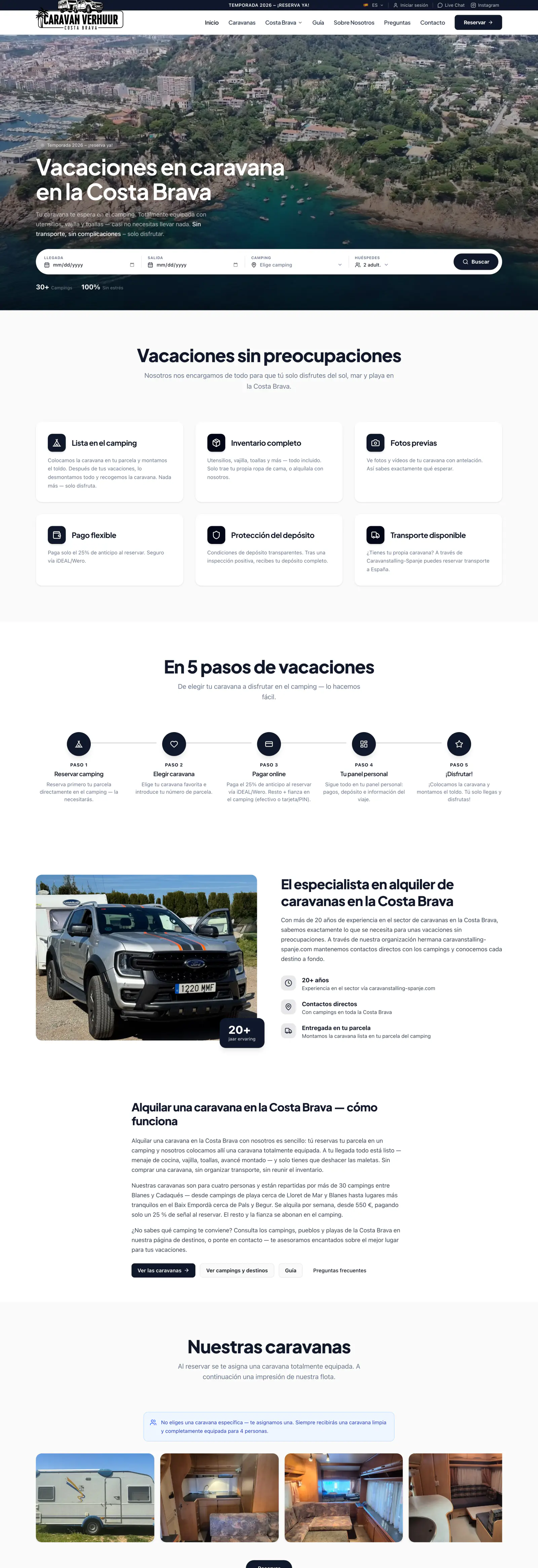
- Afspraak
- Betaling
 Caravanverhuur SpanjeCaravanverhuur · Costa BravaWebsite in drie talen · Online reserveren en betalen · Klantpaneel op maat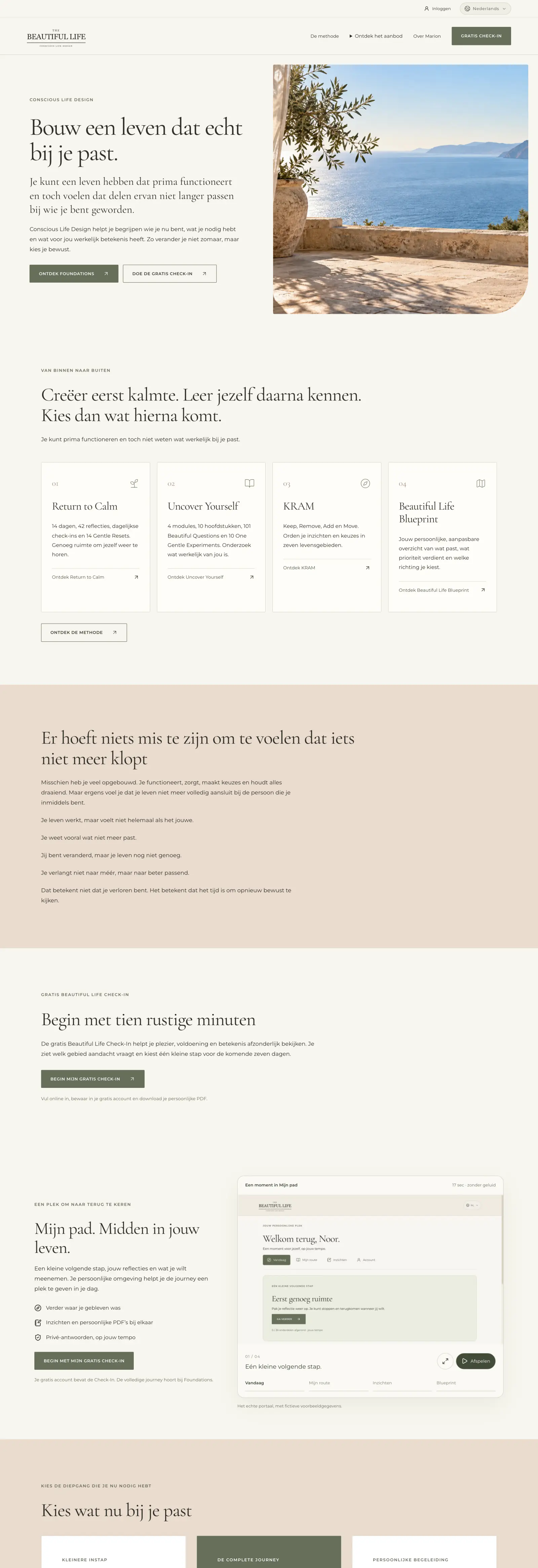
- Afspraak
- Betaling
 The Beautiful LifeCoachingWebsite in twee talen · Check-ins en online betalen · Adminpaneel op maat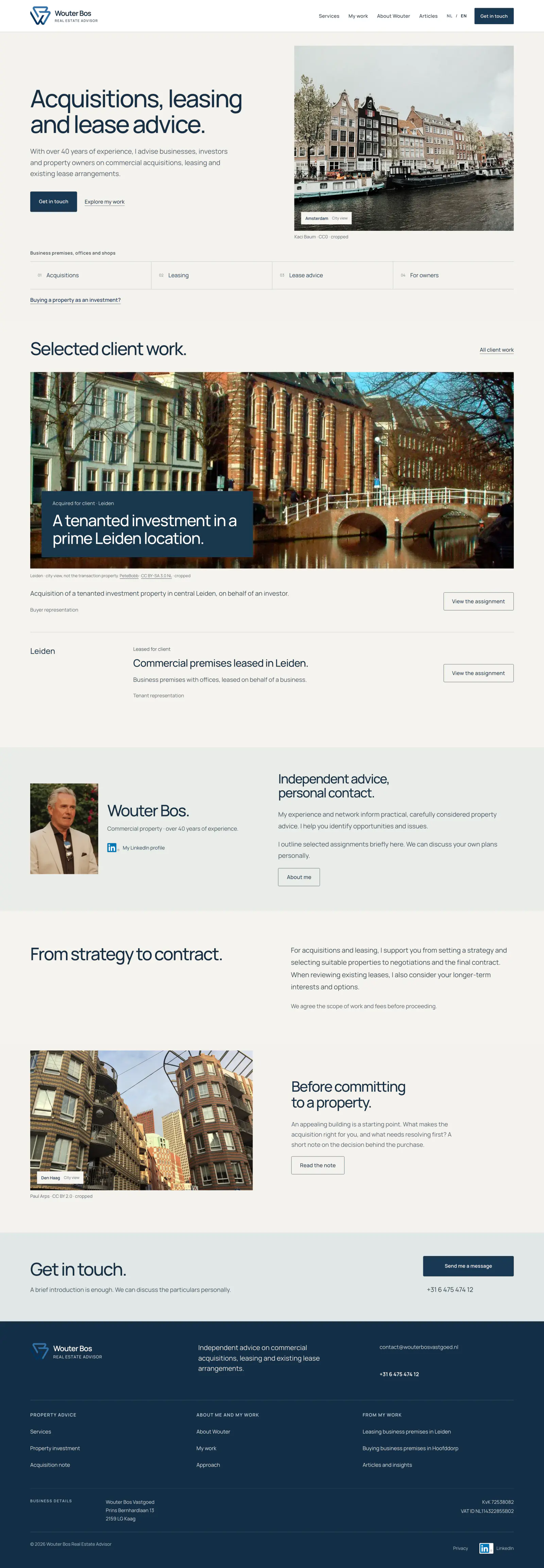
- Aanvraag
 Wouter Bos VastgoedVastgoedadviesWebsite in twee talen






Gebouwd voor echte ondernemers.
Lees de projectverhalen






Nieuw in de app
We blijven doorbouwen.
Bekijk wat nieuw isPrijzen
Probeer gratis. Kies wat past.
Website €49 · Webshop €69 · + Bedrijfspaneel €40 per paneel per maand
30 dagen gratis · geen betaalgegevens · daarna €49/mnd excl. btw
Bekijk de pakkettenVragen voordat je begint
Kan ik maandelijks stoppen?
Ja, gewoon in de app. Website, Webshop en elk paneel zijn maandelijks opzegbaar, zonder minimumtermijn.
Wat gebeurt er na de proef?
Na 30 dagen kies je zelf in de app of je doorgaat voor €49 of €69 per maand; niets gaat vanzelf. Doe je niets, dan gaat je proefsite offline en bewaren we je gegevens nog 90 dagen.
Hoe zit het met facturen?
Bij je aanvragen kan de eigenaar in het werkpaneel klantfacturen maken, PDF’s bekijken en gegevens als CSV exporteren voor de boekhouding. Voor mailen zijn werkende mailinstellingen nodig; online betalen vraagt een werkende betaalkoppeling. Webstability is geen volledig boekhoudpakket; je verdere administratie blijft in je eigen boekhoudpakket.
Wat als ik al een domein heb?
Dan houd je het. Tijdens de proef draait je site op een Webstability-subdomein; ga je door, dan zet Laurens je domein en zakelijke e-mail goed.
Wat is een bedrijfspaneel?
Het deel van je app voor het werk van je bedrijf, zoals planning, verhuur of vastgoed: €40 per paneel per maand, 30 dagen gratis vanaf activatie, modules zonder meerprijs. Website met één paneel kost dus €89 per maand.