Vor der Öffnung
Saisonkarte veröffentlichen und Strandbereiche gemeinsam vorbereiten.
Gastronomie in Alicante
Für Gastronomie in Alicante: Karte hochladen, Gerichte und Gästesprachen prüfen und ein QR-Menü veröffentlichen, das dein Team selbst aktuell hält.
Für den Arbeitsalltag
Eine Saisonkarte, die du im April einschaltest und im Oktober pausierst — du zahlst die Software, wenn du arbeitest, nicht das ganze Jahr. Alle Sommerpreise auf einmal erhöhen und zum Saisonende in zwei Klicks senken. Der QR ist in einen Träger graviert, der Salz, Sonne und Sand aushält; die Karte dahinter ändert sich so oft wie nötig.
 Für Gastronomie in Alicante
Von der Karte zur Veröffentlichung
Account erstellen und aktuelle Karte hochladen.
Gerichte, Preise, Allergene und Übersetzungen prüfen.
Erstelle QR-Zonen für Terrasse, Bar und Liegen und teste den Standort mit einer Probebestellung.
Karte veröffentlichen und Specials oder ausverkaufte Artikel aktualisieren.
Was dein Team selbst steuert
Webstability gibt deinem Team einen festen Ablauf für Upload, Prüfung, Veröffentlichung und tägliche Änderungen – mit einem Gastmenü, das zum Betrieb passt.
Saisonkarte veröffentlichen und Strandbereiche gemeinsam vorbereiten.
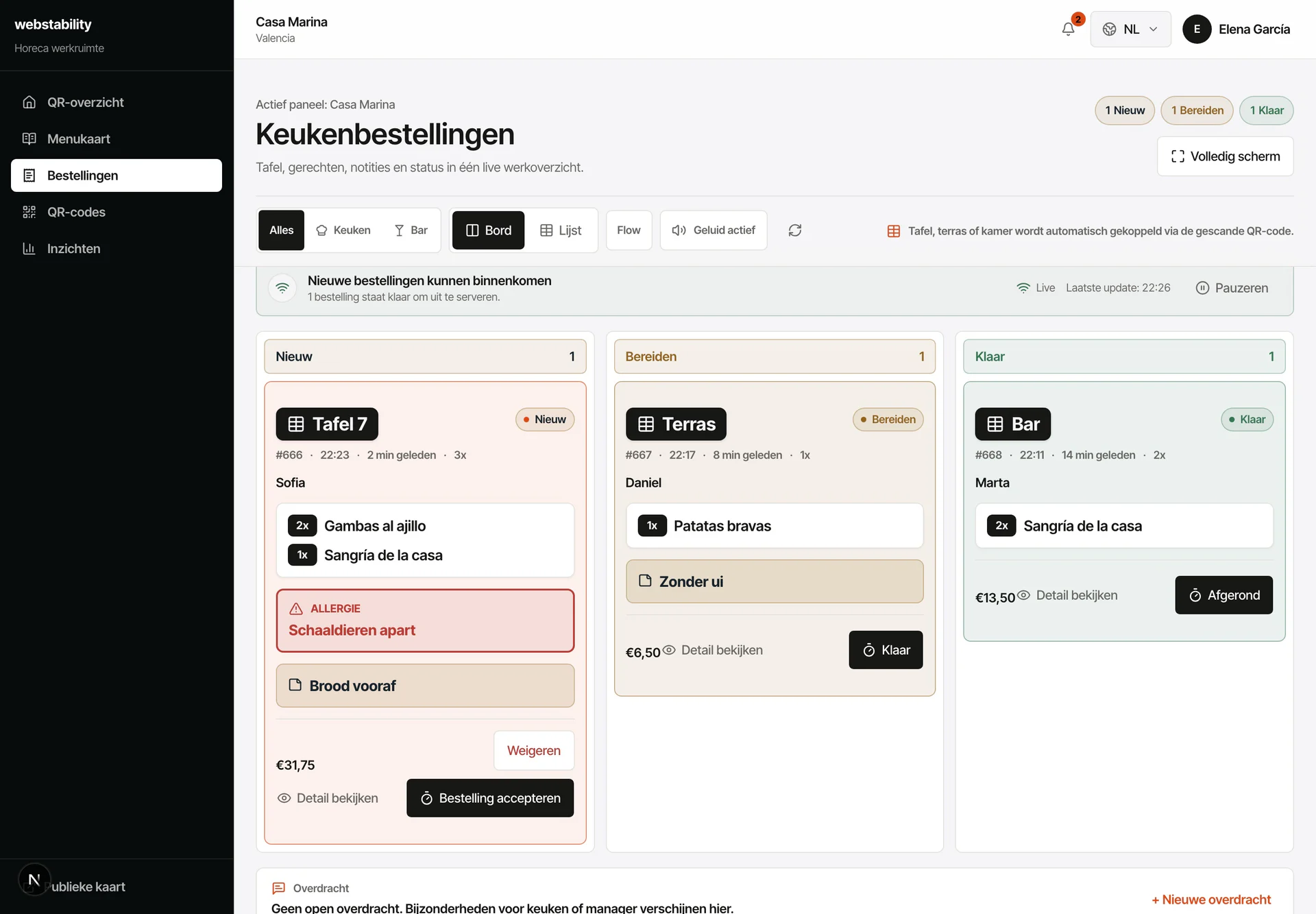
Terrasse, Bar und Liege bleiben auf jeder Bestellung sichtbar.
Cocktails und Snacks ausblenden, ohne QR-Codes zu ersetzen.
FAQ
Ja. Lege Terrasse, Bar und Liegen an. Jede Bestellung kommt mit dem richtigen Bereich an, während du eine Karte verwaltest.
Nein. QR ergänzt die Papierkarte: Gedrucktes bleibt im Betrieb, während Sprachen, Preise, Bestand und Bestellungen digital aktuell bleiben.
Erstelle einen Account, lade PDF, Foto oder Link hoch und prüfe Kategorien, Gerichte, Preise und Übersetzungen vor der Veröffentlichung.
Jeder Tisch, Bereich oder jedes Zimmer kann einen eigenen QR erhalten. Bestellungen kommen mit dem passenden Standort an.
Webstability
Selbst hochladen, prüfen und veröffentlichen. Danach hält dein Team Gerichte, Sprachen und Verfügbarkeit aktuell.
30 Tage kostenlos testen