Painters · Your business in your pocket
From the first photo to the handover.
One customer sends photos of their window frames, another calls about a ceiling and a third emails about the front of the house. With a request form on your website, every question lands as a card in your app, with address, description and photos. You make a quote with options, plan the job and record your hours and a photo afterwards.
Already have a website? Start with Service and maintenance
+ Business panel · Website €49 + panel Service and maintenance €40 = €89 per month, excl. VAT. 30 days free, including your panel. Cancel monthly.

How it works
Plan your jobs and make your work order with photos. All in one app.
Step 1 · Website
Your customer starts on your site. You continue in the app.
- Your customer sends a request
- You reply from the app
- It stays in the customer file
With Website, every request from your site lands in your app as a card. You add a phone call yourself. Already have a website and only need the app? That goes through your web builder.
What about the first visit?
During signup, enter your details, company and trade. With a confirmed email address, open your workspace and begin your first task. The steps depend on your package and the details already provided. Open extra settings when you need them.
Step 2 · + Business panel
More than requests? Add the Service and maintenance panel.
- Work orders
- Planning with colleagues
- Reports with photos
Plan your jobs and make your work order with photos. €40 a month on top of Website, excl. VAT. Switch it on when you sign up or later in your app. See the panels
A day with Webstability
This is your day.
From the first request to the money in your account. In one app.
- Website
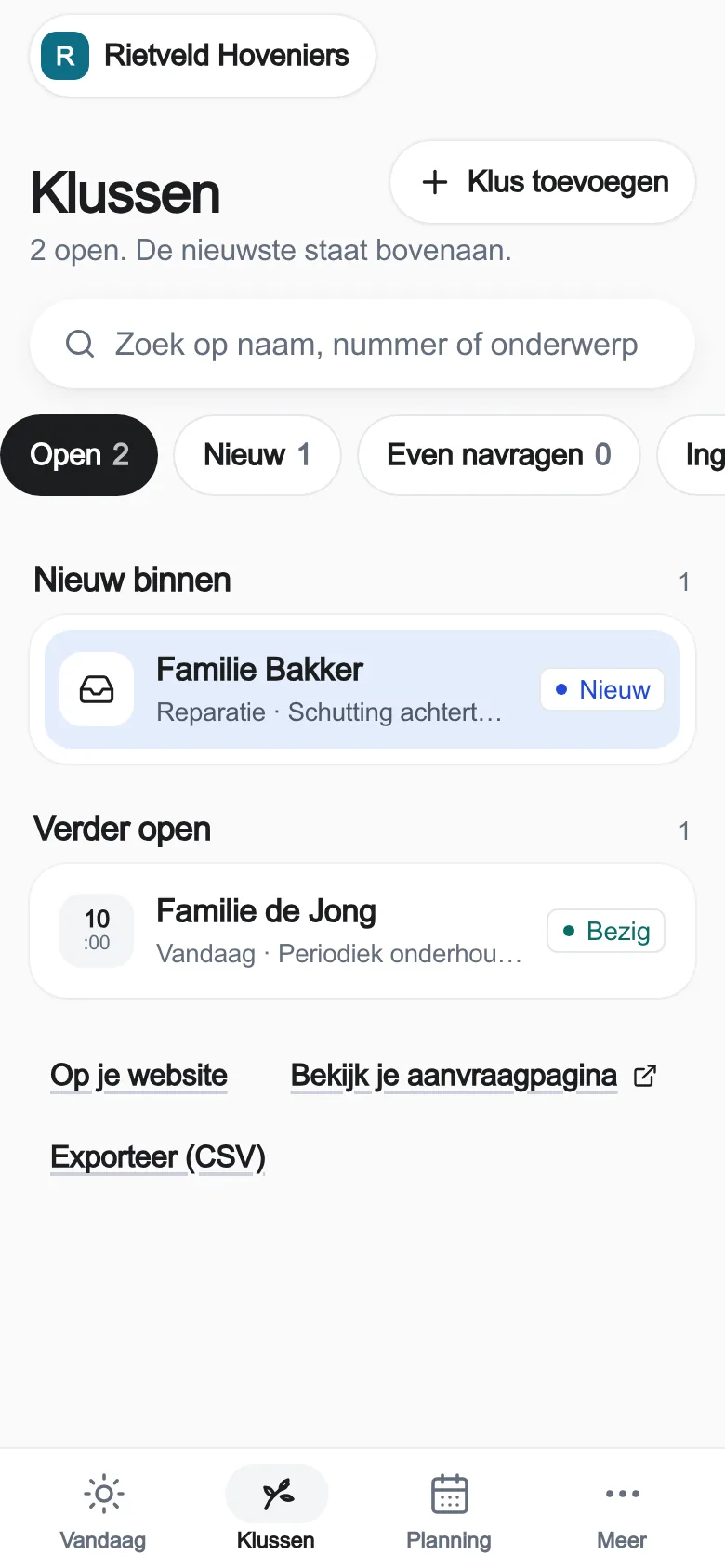
A request comes in.
Your customer filled in your form, with photos. It sits as a card in your app.
- Service panel
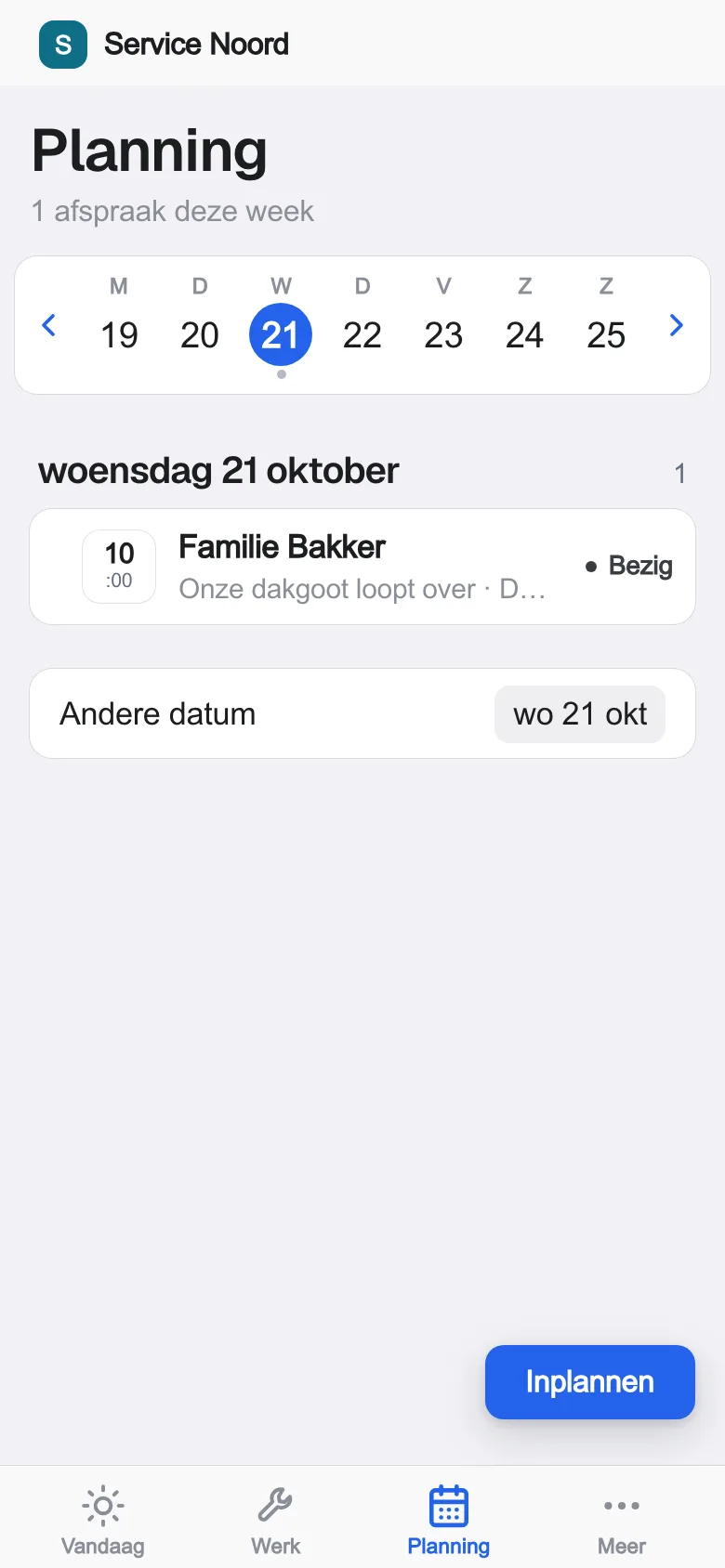
The job is scheduled.
Pick a colleague, a day and a time slot. Everyone sees it.
- Service panel
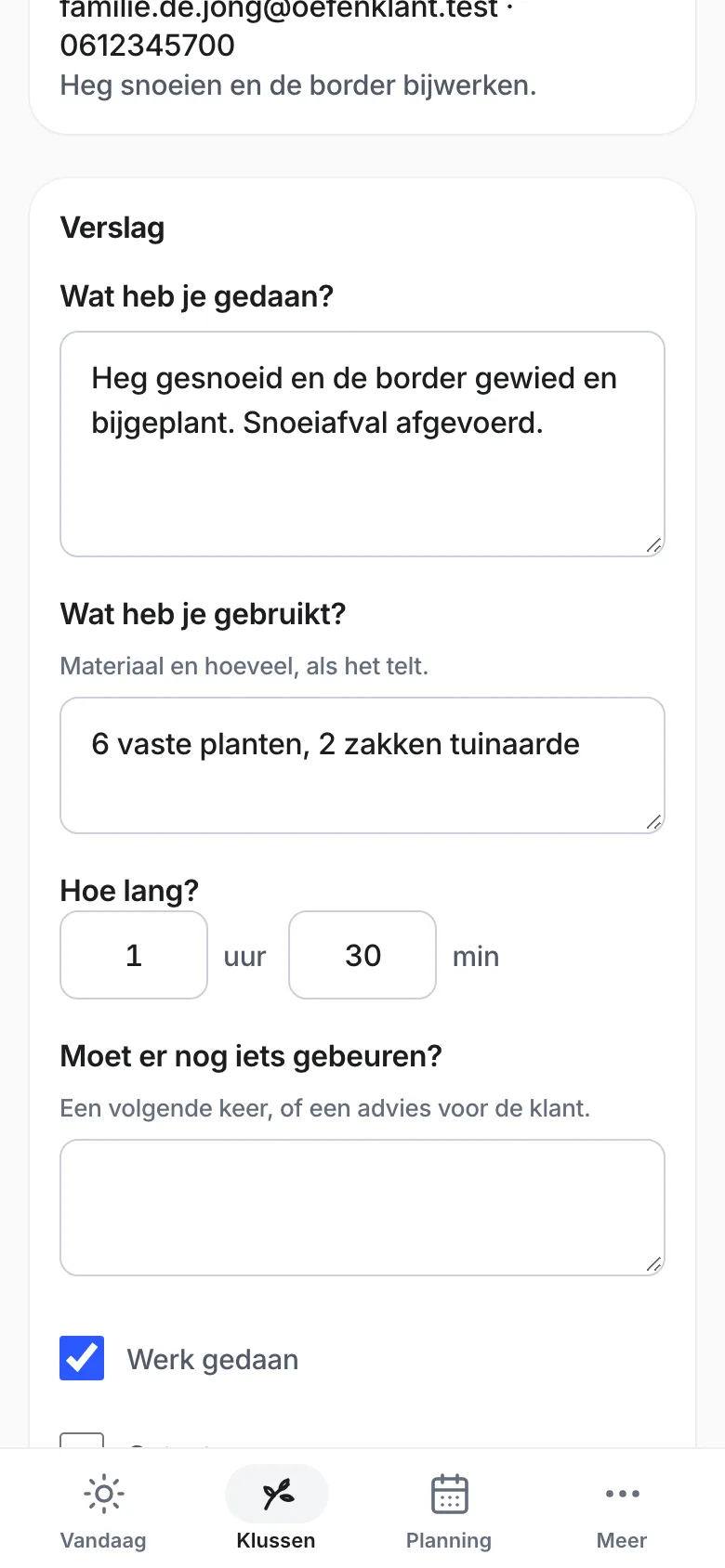
A report with photos, on site.
Record work, materials and time while you are still with the customer.
- Website
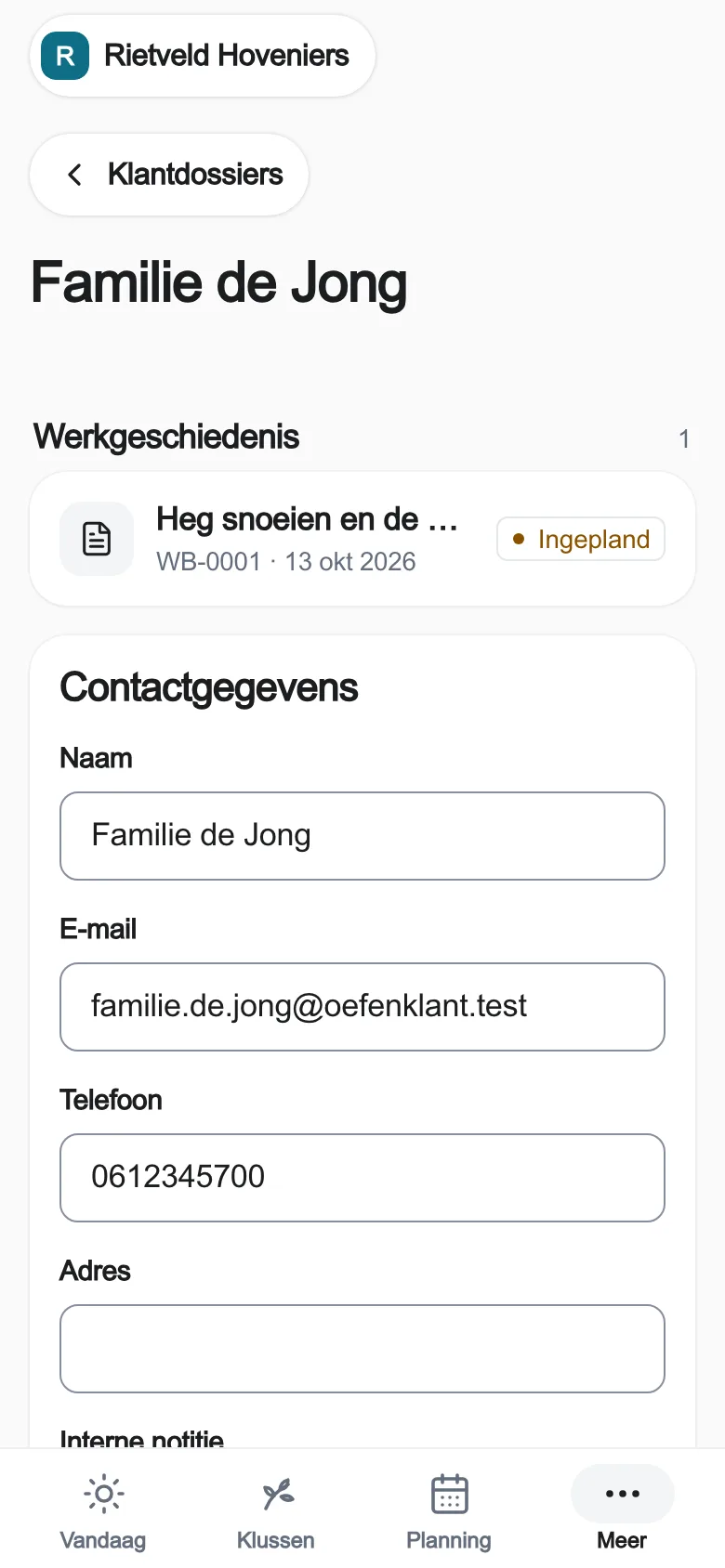
Done. And paid.
Everything is in the customer file. Send a payment link: your customer pays through your own Stripe.
The real app, with practice data.
What it does for you.
Photos with the request
Your customer adds photos. You see the condition of the woodwork or wall before you visit.
Quotes with options
Hours and materials from your own price list. Put the ceiling or the doors in as an option; the customer chooses online and approves.
Extra work, approved first
Find rotten wood behind the paint? Send an extra work proposal. You carry on once the customer approves, and the approval stays with the job.
What information does your customer provide?
These are the form's real questions. Feel free to use them, even if you don't need us.
What is your request about?
Repair · Regular maintenance · Quote · Job application · Something else
Tell us what's going on
What is it about? · Town or address · Description: what's the problem?
How can we reach you?
Your name · Phone or WhatsApp · Email (one of the two is enough) · When would suit you? (optional)
Is this right?
Your customer sees everything once more and corrects anything that's wrong. Only then does it come to you, as a request with a number.
Try the customer request
What the app does not do
The app does not price a job from a photo and does not track paint stock or colour codes per customer. Check the weather forecast yourself and plan repeat maintenance again yourself. The request, quote, job and report are kept here.
Frequently asked. Answers in plain words.
Another question?
Your question goes to Laurens himself. On weekdays from 08:30 to 19:00.
 Ask Laurens
Yes. In the request form your customer adds a photo, for example of the window frames or the front of the house. It stays with the request in your app.
Yes. Your customer says in a few words what it is about and picks repair, maintenance, regular maintenance or a quote. You can adjust the questions to your own services in the app.
Send an extra work proposal from the job. The customer sees it and approves, and the approval is kept with the job.
Website costs €49 a month, excl. VAT. 30 days free · no payment details · then €49/month excl. VAT. You get your website with a contact form and the requests inbox in the app. For work orders, planning and reports, add the Service and maintenance panel: €40 a month, €89 together. To keep your existing website and use only the app, go through your web builder. Cancel monthly.