Website
€49/month
A website that brings in requests, built by Laurens.
30 days free- Website built by Laurens
- Requests, customers and customer messages in your app
- Domain + business email once you pay
Stock
You reach for a part, but the box is empty.
30 days free · no payment details · then €49/month excl. VAT
How it works
Give each part a recognisable name and count what you have. Enter that number as the first receipt, so you can later see what you started with.
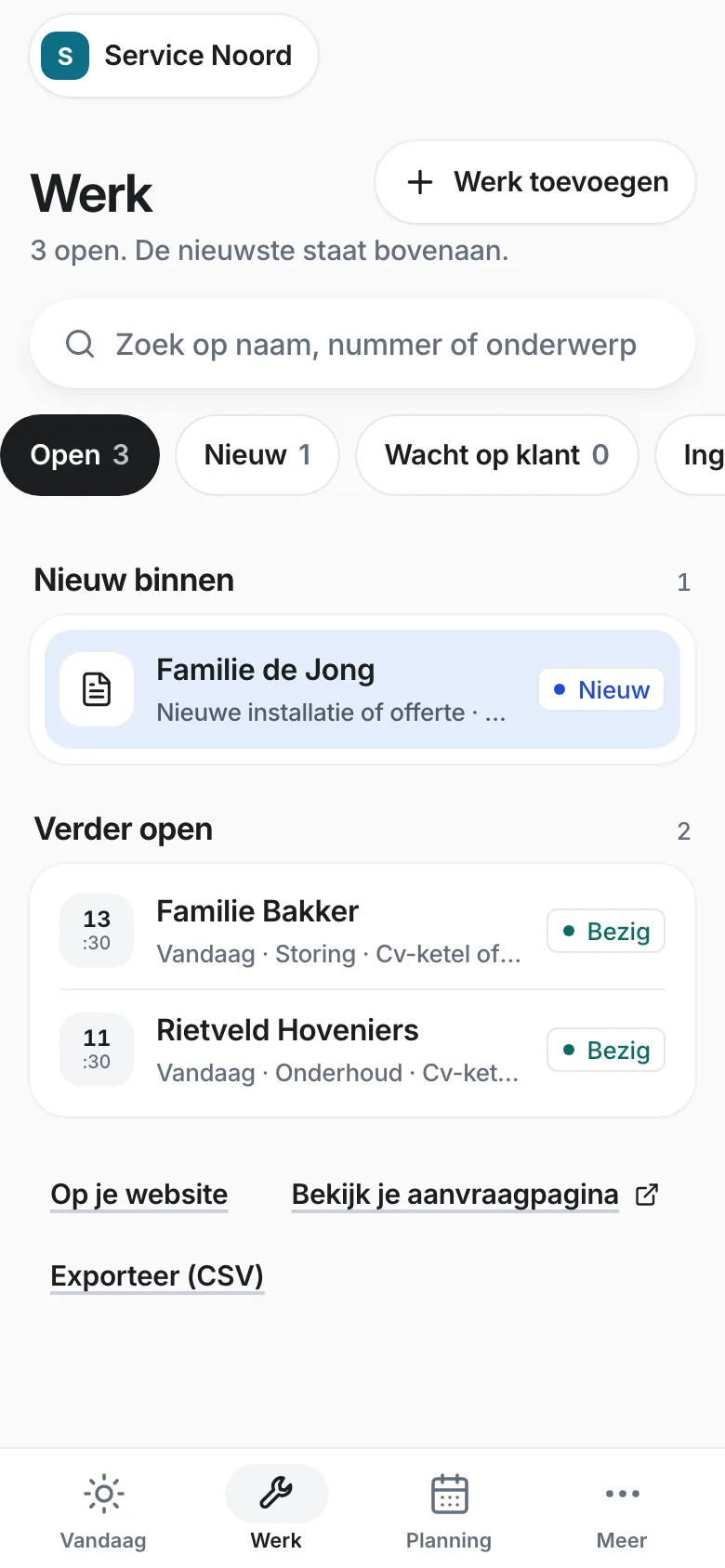
Choose the part and note how many you use. The workspace stops a count from going below zero; you fix a counting error with a separate correction, so the earlier entry stays visible.
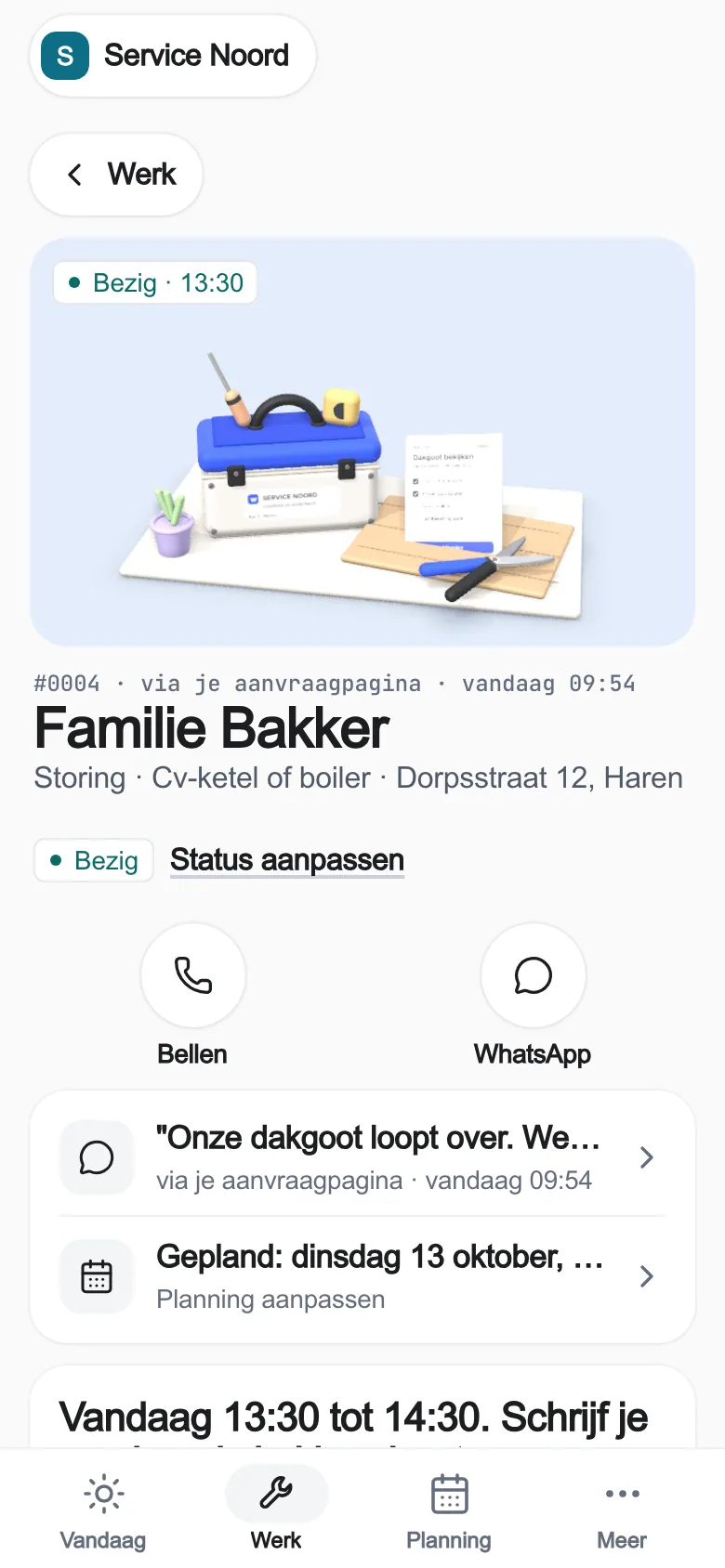
Even if you both book something out at the same time, the workspace checks what is still available. The customer gets no message about this; you use the overview to check for yourself what you have for the job.
€49/month
A website that brings in requests, built by Laurens.
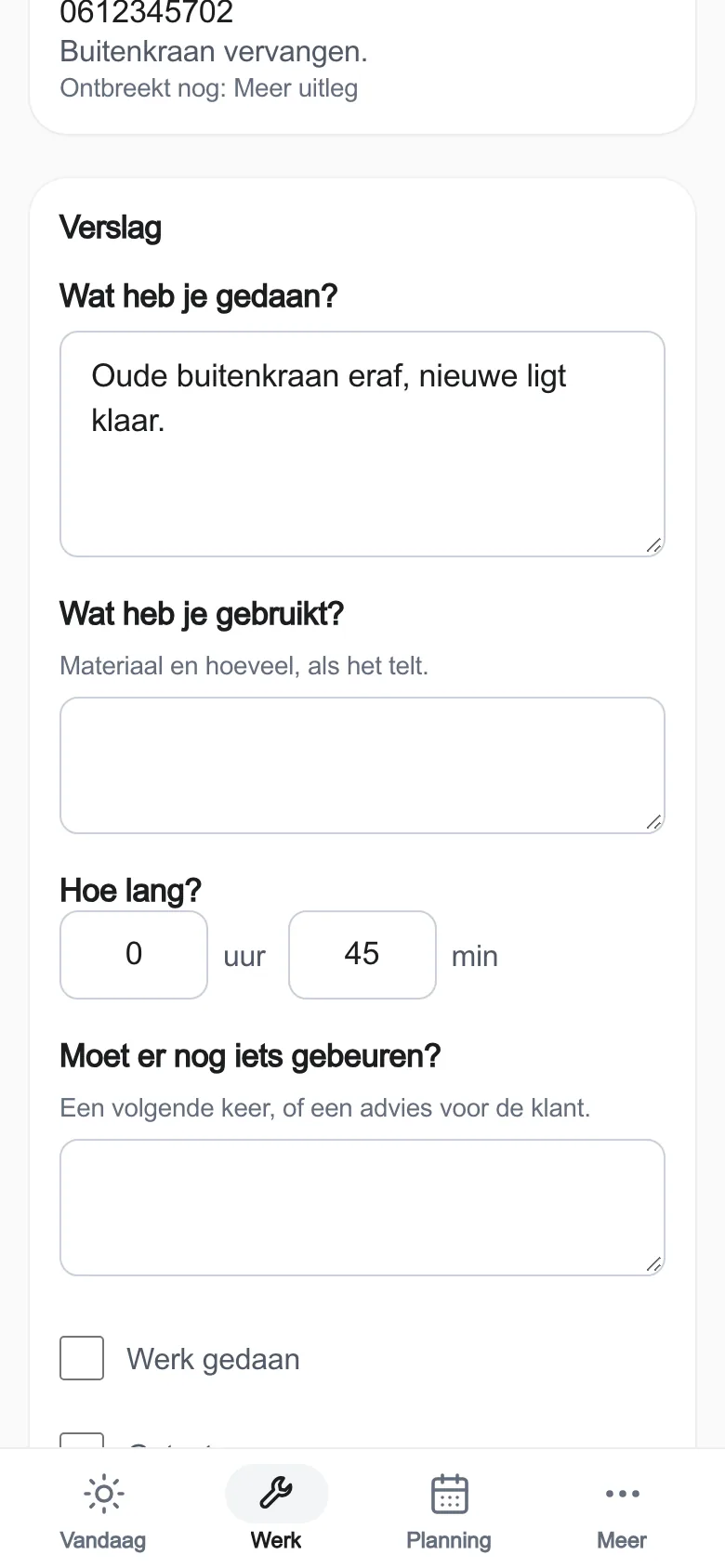
30 days freeYou track whole units and update receipts and usage yourself. Materials you note on a job are not taken off this stock automatically. The workspace does not scan barcodes, order anything from a supplier or calculate stock value. You can download the booked quantities as a CSV for your bookkeeping.