Website
€49/month
A website that brings in requests, built by Laurens.
30 days free- Website built by Laurens
- Requests, customers and customer messages in your app
- Domain + business email once you pay
Arrivals and departures
Your colleague asks whether the guests have arrived.
30 days free · no payment details · then €49/month excl. VAT
How it works
Put the visit with the right property and note the period and agreements. Your colleague finds them there too, without having to call you first.
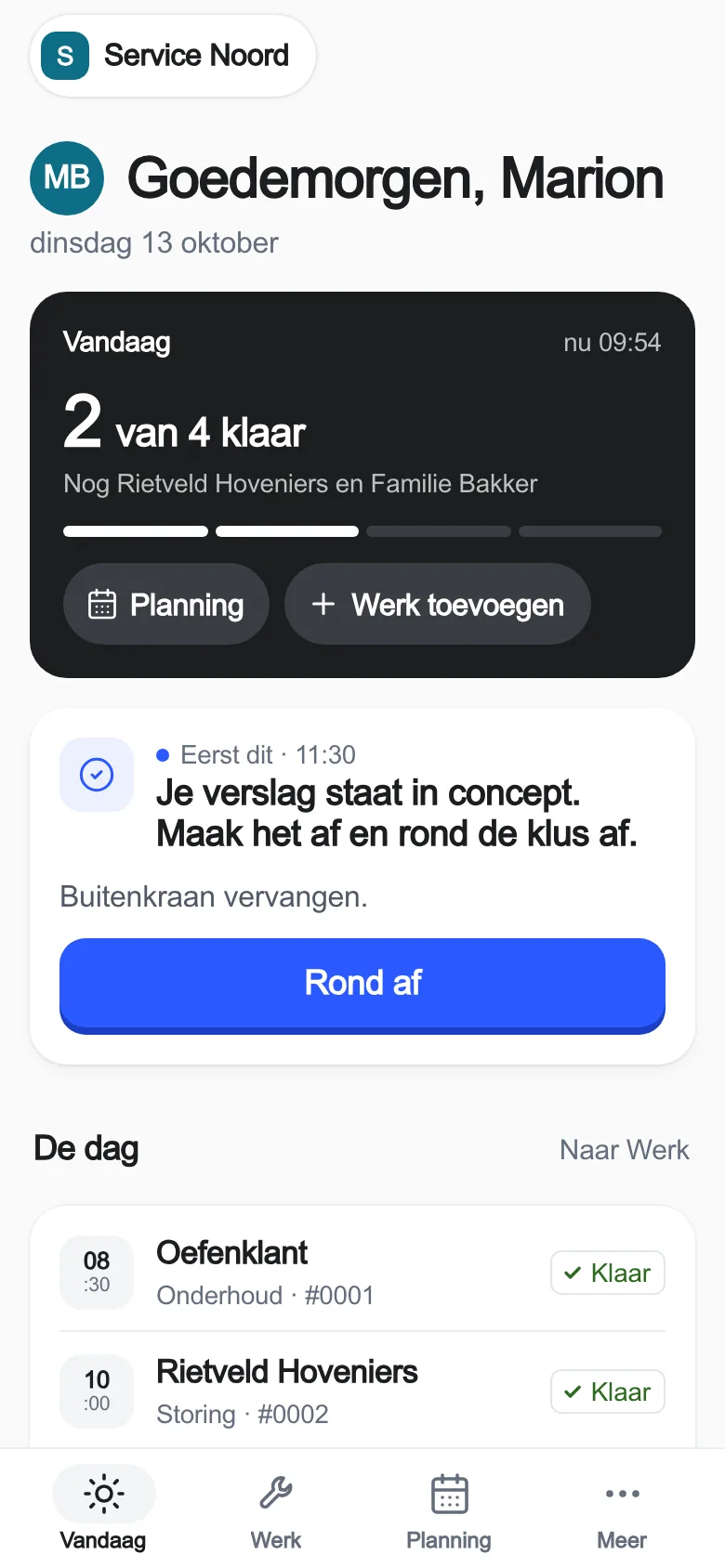
Mark when the visit arrived and later left; the workspace saves the times. If your colleague changed something in the meantime, you see that before you save.
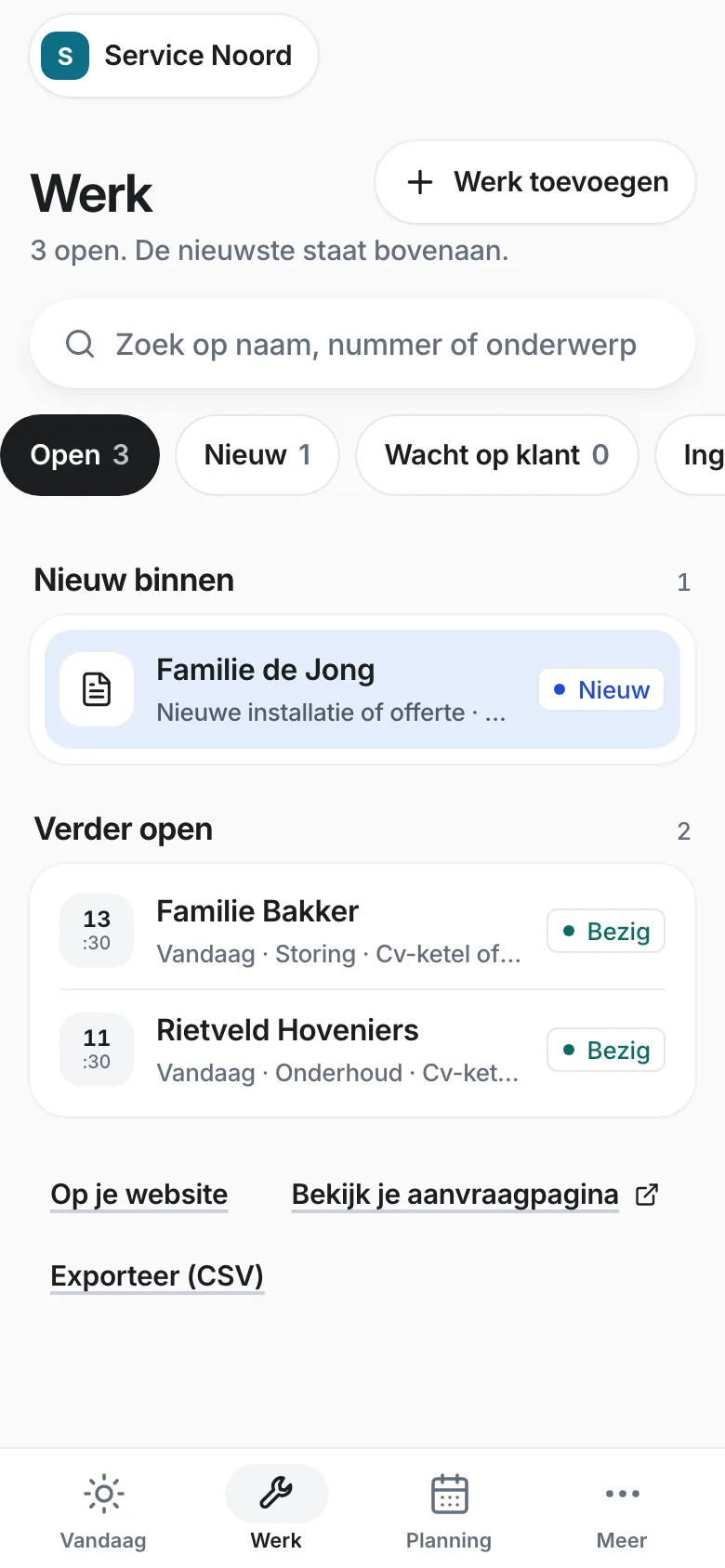
Note who has permission and until when, or withdraw the permission earlier. The workspace shows when it has expired; it is an agreement between you and your colleagues, not a message to the guest.
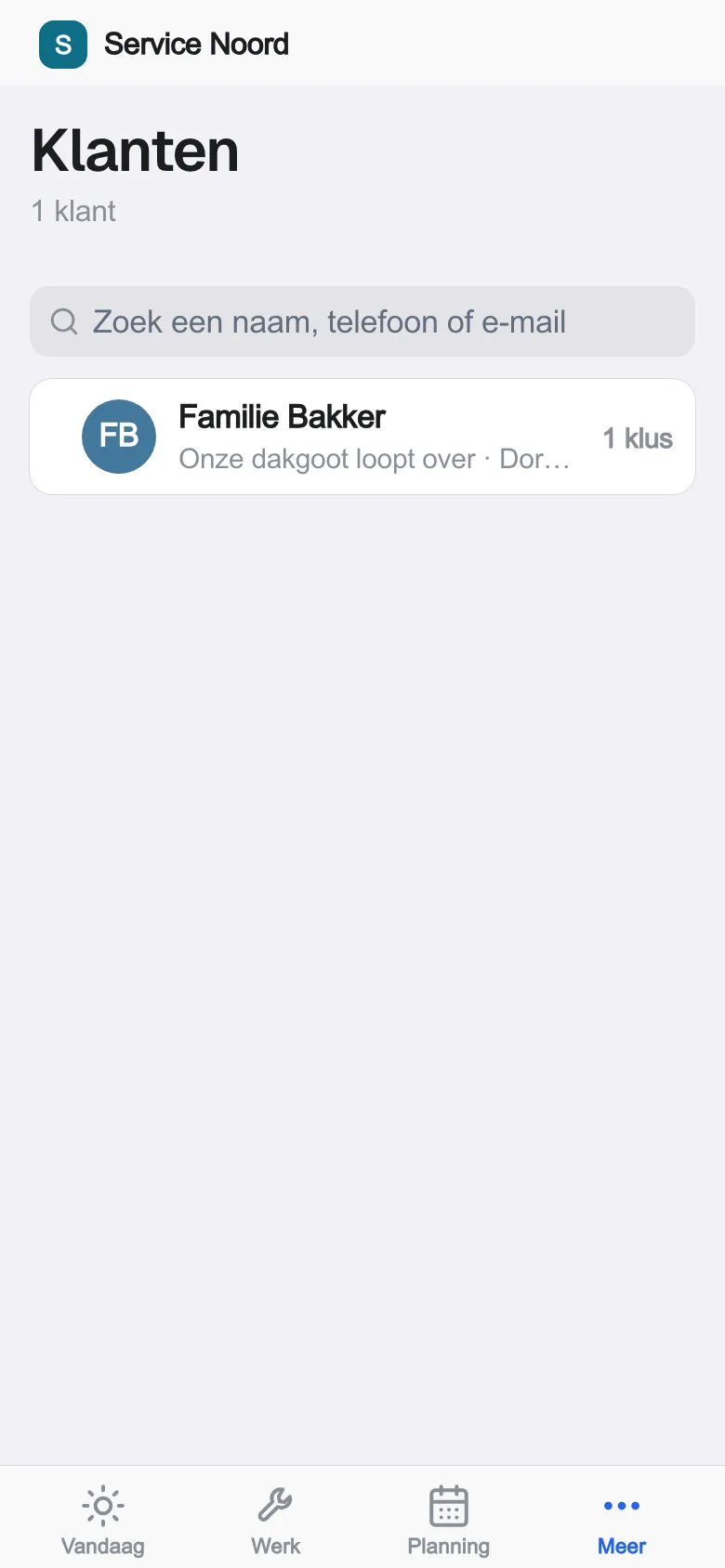
€49/month
A website that brings in requests, built by Laurens.
30 days freeHere you note agreements for yourself and your colleagues. The workspace does not open a door, send an arrival or departure email or register guests with a government service. Do not store passwords or door codes here. For campsite stays and the cleaning afterwards there is a separate route in the workspace.