Many small choices
Categories keep tapas, wine and specials easy to scan.
Hospitality in Palafrugell
For hospitality in Palafrugell: upload your current menu, review dishes and guest languages, then publish a QR menu your team can keep updating itself.
For the working day
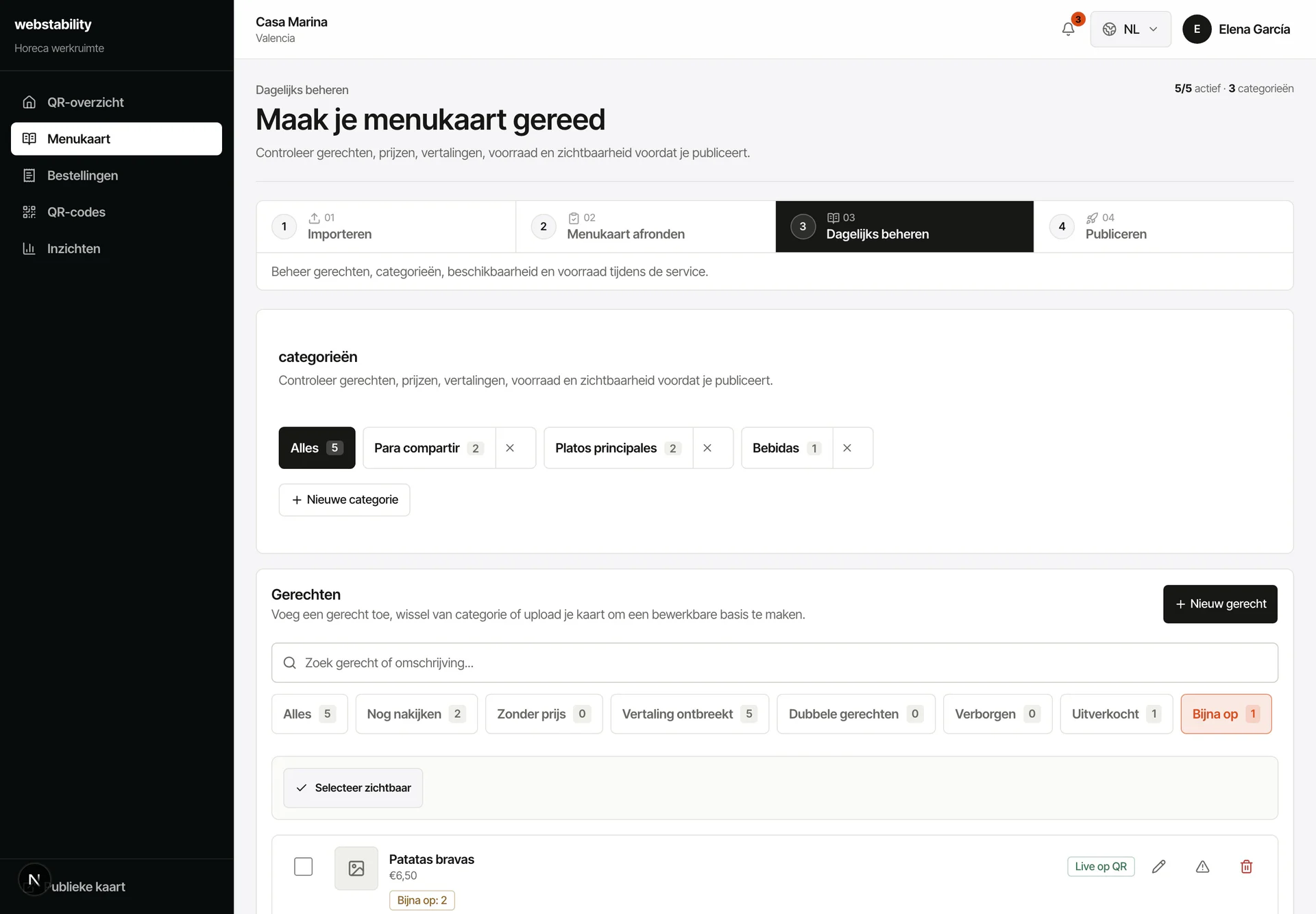
In a tapas service everything moves fast. Mark a tapa sold out in one tap and stop receiving orders you cannot serve. Several sharing plates reach the kitchen as one clear order with its table. No reprinting, no crossing out the menu with a pen.
 For hospitality in Palafrugell
From menu to live
Create an account and upload the current menu.
Review dishes, prices, allergens and translations.
Create table and terrace QRs and test how several small plates arrive in the kitchen.
Publish the menu and adjust specials or sold-out items during service.
What your team controls
Webstability gives your team one fixed route for upload, review, publishing and daily changes, with a guest menu that fits your venue.
Categories keep tapas, wine and specials easy to scan.
Quantities and multiple dishes stay together in one clear order.
Hide a tapa temporarily without touching the rest of the menu.
Workshop in Palafrugell
Wood, acrylic, PVC and metal connect to permanent QR locations. The QR keeps working when the menu changes.
See the engravingFAQ
In the Webstability workshop in Palafrugell itself: PVC, acrylic, wood or metal, engraved in days rather than weeks. The engraved QR never changes even when your menu does.
No. Use QR alongside paper: the printed menu stays in your venue while the digital layer keeps languages, prices, stock and ordering current.
Create an account, upload a PDF, photo or link, then review categories, dishes, prices and translations before publishing.
Each table, zone or room can have its own QR. Orders arrive with a clear location such as Table 7, Terrace or Room 204.
Webstability
Upload, review and publish it yourself. Your team then keeps dishes, languages and availability current.
Try 30 days free