Breakfast rush
Guests can scan and decide faster while staff focuses on service.
Cafes in Spain
Cafés need a QR menu that is quick to scan, easy to read on mobile and simple to update when breakfast, pastries or drinks change. Webstability lets you upload the menu, review translations and publish updates quickly.
For the working day
From breakfast to aperitivo with a single menu. Switch categories on and off by time of day without reprinting anything, and one person manages it from a phone between coffees.
 Useful for city cafés and terrace cafés
From menu to live
Upload the breakfast, drinks or snack menu.
Review prices, allergen notes and translations for tourists.
Create QR spots for counter, window, terrace and tables.
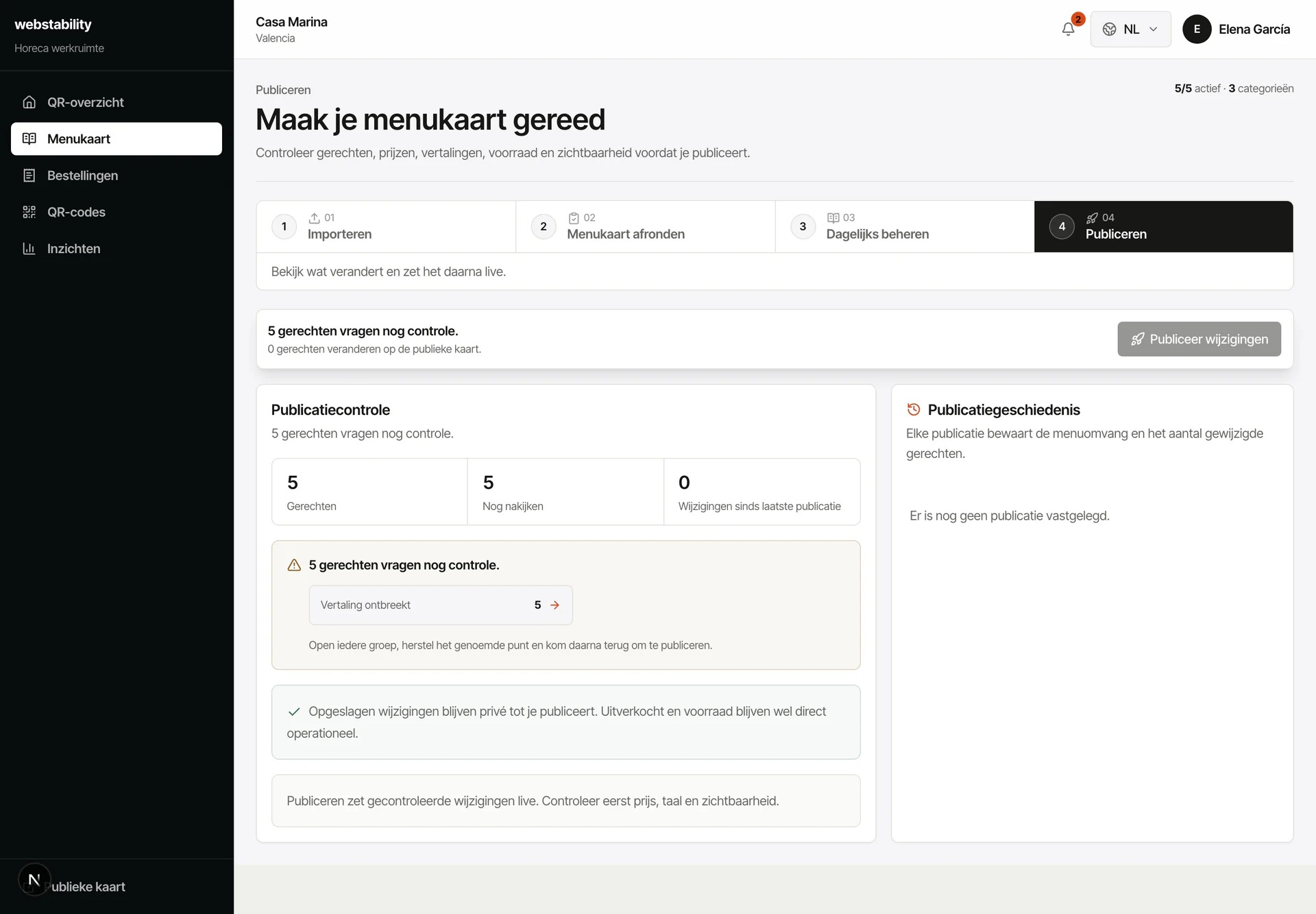
Publish the menu and update daily pastries, brunch items or sold-out drinks.
What your team controls
The setup fits cafés in tourist areas, city centers and coastal towns where visitors need quick menu clarity in their own language.
Guests can scan and decide faster while staff focuses on service.
Translate core items so visitors understand the menu without delay.
Highlight pastry, brunch or drink specials without reprinting.
FAQ
Yes. Use categories and visibility so guests only see what is available at that time.
No. The QR menu can be information-only until you are ready; ordering, kitchen and stock work best on Pro.
No. Use QR next to paper: paper stays in the venue while the QR layer keeps languages, prices, stock and ordering current.
Create an account, upload PDF, photo or link, then review the prepared categories, dishes, prices and translations before publishing.
Webstability
Upload, review and publish it yourself. Your team then keeps dishes, languages and availability current.
Try 30 days free