Room service
Guests can scan a room QR and see available items and notes.
Hotels in Spain
Hotels can use QR menus in rooms, breakfast areas, bars and reception. Webstability supports multilingual guest menus and print-ready QR materials so guests can scan without downloading an app.
For the working day
One menu for rooms, breakfast, bar and room service. Each QR per room or zone delivers the order with its location (Room 204), and international guests read everything in their language without reception translating a thing.
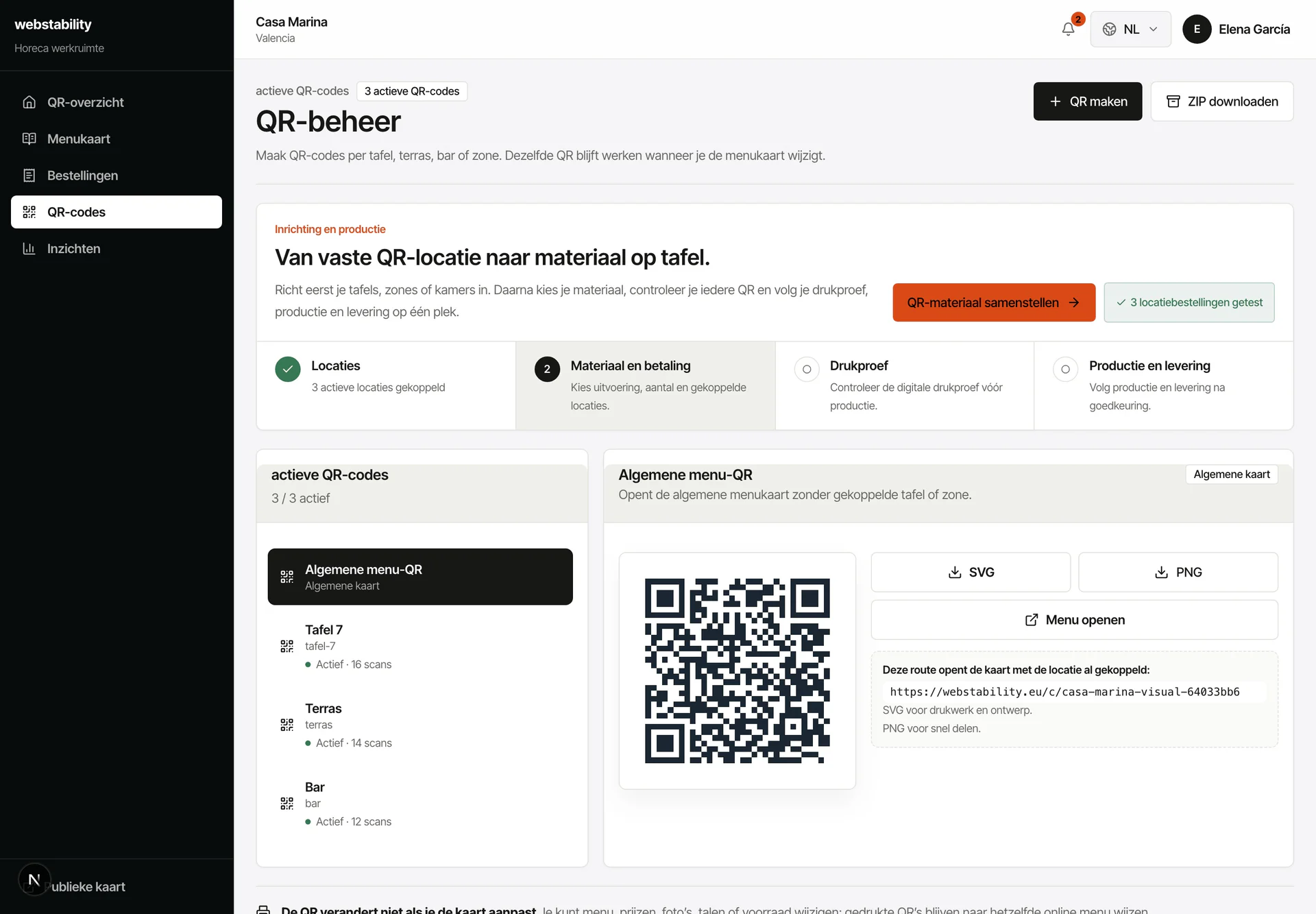 Designed for Spanish hotel operations
From menu to live
Upload breakfast, bar and room-service menus from the current documents.
Review guest-facing translations and service-hour notes.
Create QR locations for rooms, reception, bar, pool or breakfast area.
Publish and keep seasonal or late check-in menus updated without reprinting.
What your team controls
The service supports hybrid print and digital workflows, useful for hotels that want polished guest communication without a heavy software rollout.
Guests can scan a room QR and see available items and notes.
Explain buffet, allergies and paid extras in multiple languages.
Keep bar, pool and late menu information easy to access.
FAQ
Yes. Give rooms, breakfast, bar, pool or reception their own QR context while managing the menu centrally.
Yes. Rooms, reception, bar and pool can each have a clear QR context for guests and staff.
No. Use QR next to paper: paper stays in the venue while the QR layer keeps languages, prices, stock and ordering current.
Create an account, upload PDF, photo or link, then review the prepared categories, dishes, prices and translations before publishing.
Webstability
Upload, review and publish it yourself. Your team then keeps dishes, languages and availability current.
Try 30 days free