Tourist understanding
Explain local tapas names, allergens and ingredients without slowing staff down.
Tapas bars in Spain
Tapas bars change dishes quickly, serve many small plates and often help tourists understand local names. Webstability turns the existing tapas menu into a mobile QR menu with translations, table locations and clear item visibility.
For the working day
In a tapas service everything moves fast. Mark a tapa sold out in one tap and stop receiving orders you cannot serve. Several sharing plates reach the kitchen as one clear order with its table. No reprinting, no crossing out the menu with a pen.
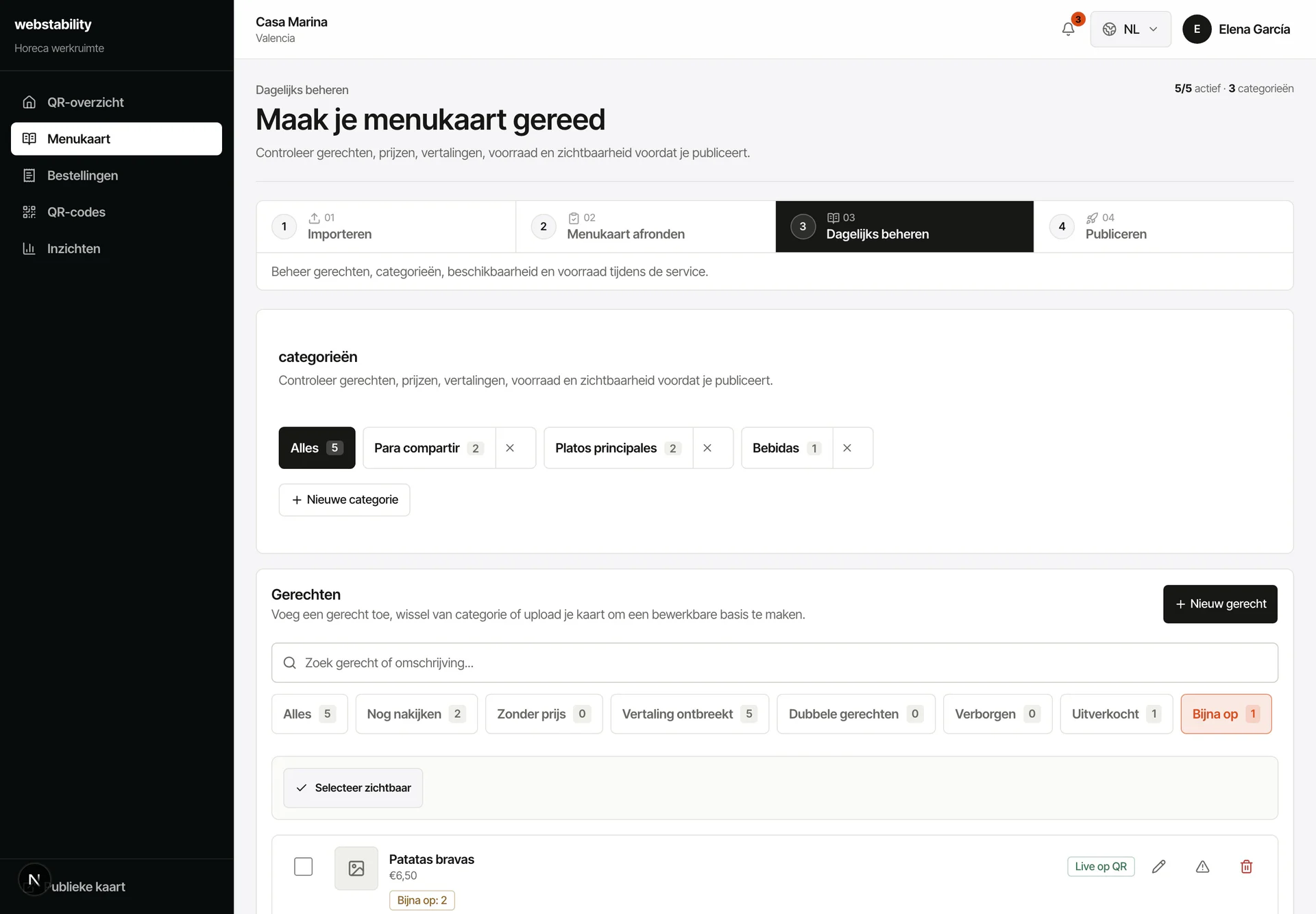 Built for Spanish tapas service
From menu to live
Upload the current tapas menu and wine list.
Review translated dish names, allergens and short descriptions.
Create QR locations for tables, bar and terrace zones.
Mark sold-out tapas during service and publish daily specials quickly.
What your team controls
Tapas bars need speed and atmosphere. Webstability keeps the experience mobile, multilingual and practical without replacing paper menus or the rhythm of service.
Explain local tapas names, allergens and ingredients without slowing staff down.
Highlight today’s tortilla, croquetas or seafood without reprinting inserts.
QR by table or zone lets the kitchen see where each order comes from.
FAQ
Yes. Hide it temporarily or show it as sold out and publish the change without creating another QR.
Yes. Items can be temporarily sold out or hidden from the QR menu and published again when available.
Yes. You can keep Spanish names and add short translations or descriptions per language.
No. Use QR next to paper: paper stays in the venue while the QR layer keeps languages, prices, stock and ordering current.
Webstability
Upload, review and publish it yourself. Your team then keeps dishes, languages and availability current.
Try 30 days free