Tapas restaurants
Explain dishes and allergens in several languages.
QR menu Valencia
For hospitality in Valencia: upload your current menu, review dishes and guest languages, then publish a QR menu your team can keep updating itself.
For the working day
A QR menu makes it easier to support tourists, show allergens and keep daily specials current. The permanent QR code keeps working even when the menu changes.
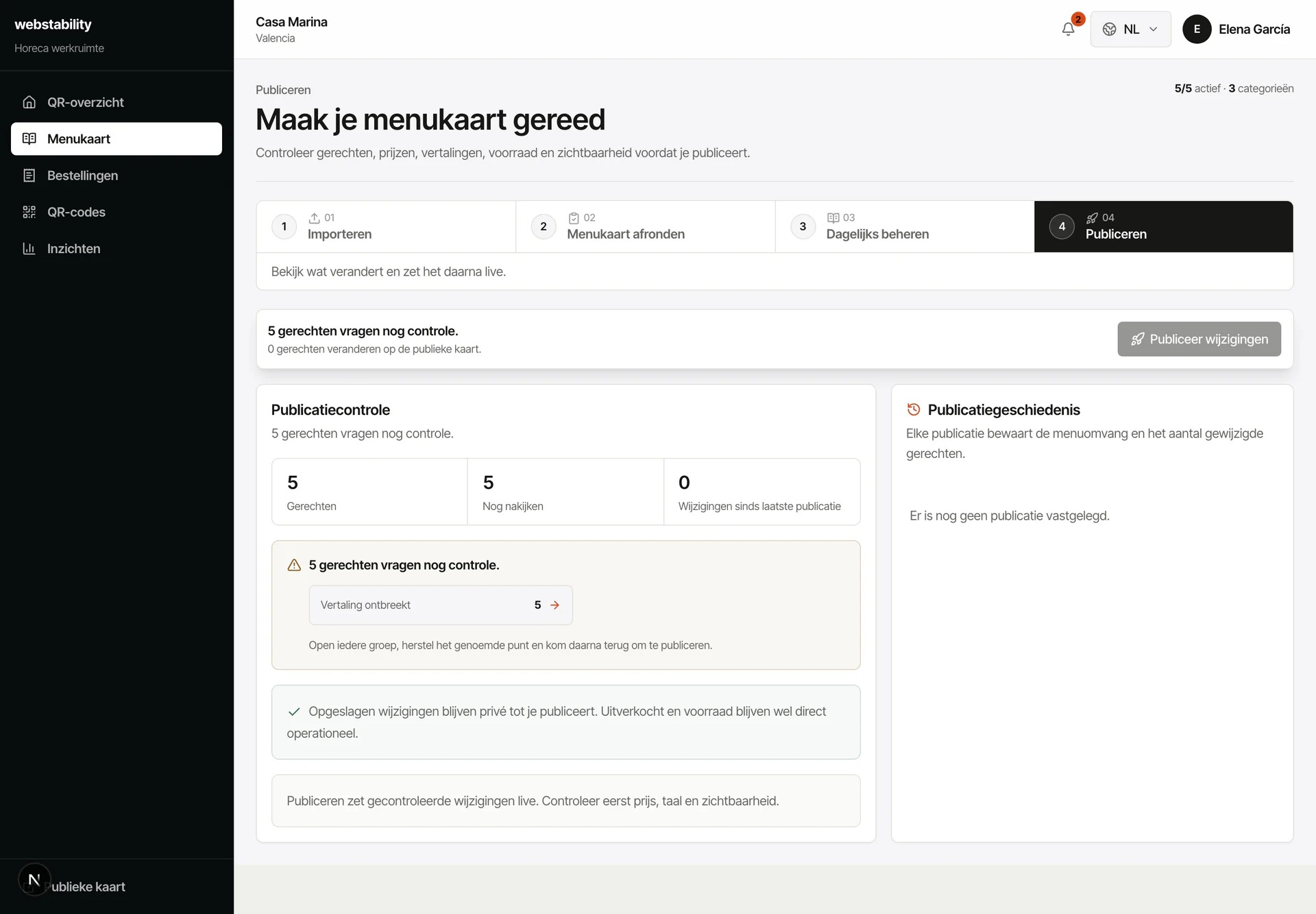 Local enough for real hospitality workflows
From menu to live
Upload the current tapas, café, hotel or dinner menu.
Review dish descriptions, allergens and tourist translations.
Create permanent QR codes for tables, entrance, bar or rooms.
Publish the menu and update specials, stock and prices without replacing printed QR cards.
What your team controls
Webstability is positioned as account-first QR menu software. The goal is to upload a menu, review the important details, publish confidently and use support only when needed.
Explain dishes and allergens in several languages.
Keep breakfast and drink specials easy to update.
Use QR menus in rooms or reception for guest information.
FAQ
Yes. Change price, translation, stock or visibility and publish again. The existing table QR keeps working.
Yes. The QR stays the same while menu content, prices, translations and stock change and the latest version is published.
No. Use QR next to paper: paper stays in the venue while the QR layer keeps languages, prices, stock and ordering current.
Create an account, upload PDF, photo or link, then review the prepared categories, dishes, prices and translations before publishing.
Webstability
Upload, review and publish it yourself. Your team then keeps dishes, languages and availability current.
Try 30 days free